Make X-Invoice Essential Guide for Finance Teams
How to Make X-Invoice Files from Your PDF Invoices: A Practical Guide for Finance Teams
Estimated reading time: 9 minutes
Key takeaways
- X-Invoice (XRechnung) is mandatory for B2G invoicing in Germany and uses pure XML format, not PDF
- PDF invoices lack machine-readability, making automated processing impossible for public authorities
- Conversion tools with AI and OCR can extract data from PDFs and generate compliant X-Invoice files in minutes
- Manual conversion is error-prone and time-consuming; automated tools offer better accuracy and compliance
- Data validation is critical – your X-Invoice must match EN 16931 standards or risk rejection
Table of contents
- Understanding X-Invoice and Why Your Finance Team Needs It
- Why Converting PDF to X-Invoice Is Necessary for Compliance
- How the PDF to X-Invoice Conversion Process Actually Works
- Choosing Between Automated Tools and Manual Creation Methods
- Common Technical Challenges and How to Solve Them
- Making Your First X-Invoice: A Practical Workflow
- Integration Options for Your ERP System and Workflow
- Future-Proofing Your Invoicing as E-Invoice Mandates Expand
- FAQ
Understanding X-Invoice and Why Your Finance Team Needs It
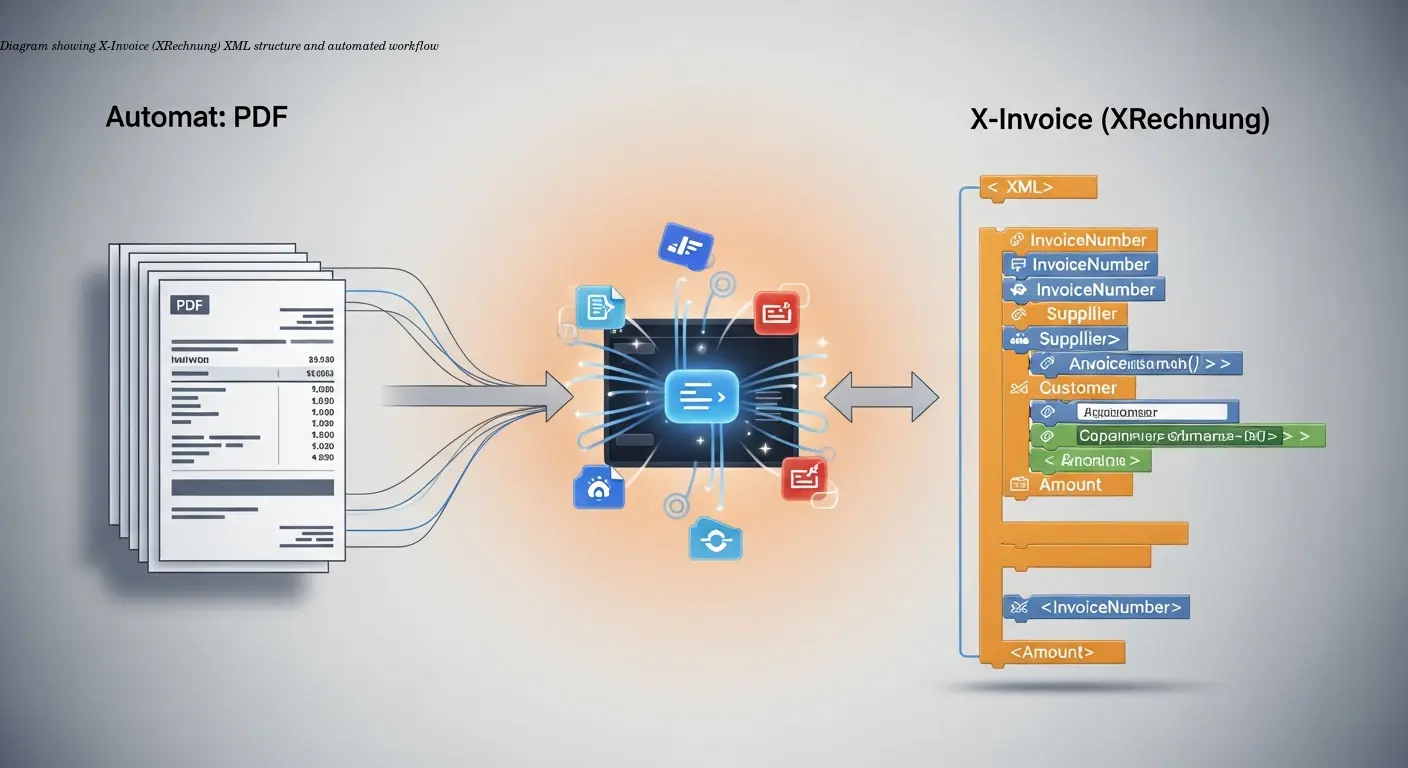
X-Invoice, commonly called XRechnung in Germany, is a structured XML format designed for machine readability and automated processing. Since 2020, federal, state, and municipal authorities require suppliers to submit invoices in this format. The requirement is driven by the EU EN 16931 directive, which standardizes e-invoicing across member states.
Unlike PDFs, which are essentially digital paper, X-Invoice organizes each invoice element into predefined XML tags. That means invoice numbers, dates, supplier details, and line items are all in exact, machine-readable locations. Missing or misformatted fields lead to automated rejection by receiving systems, so accurate mapping to the XML schema is essential.
Note: The technical specification requires specific XML schemas and strict validation. If you omit a required field like a buyer reference number, the invoice will be rejected automatically.
Why Converting PDF to X-Invoice Is Necessary for Compliance
PDFs have been useful for decades because they preserve layout and are human-readable. But for automated accounting systems, they are insufficient: data in PDFs is unstructured, so receiving authorities cannot reliably extract invoice numbers, match purchase orders, validate VAT, or route approvals automatically. This gap creates manual entry work, delays, and errors.
Converting your PDF invoices to X-Invoice removes these problems by providing standardized, machine-readable data that public authorities expect. The alternative is repeated rejections, delayed payments, and damaged client relationships.
How the PDF to X-Invoice Conversion Process Actually Works
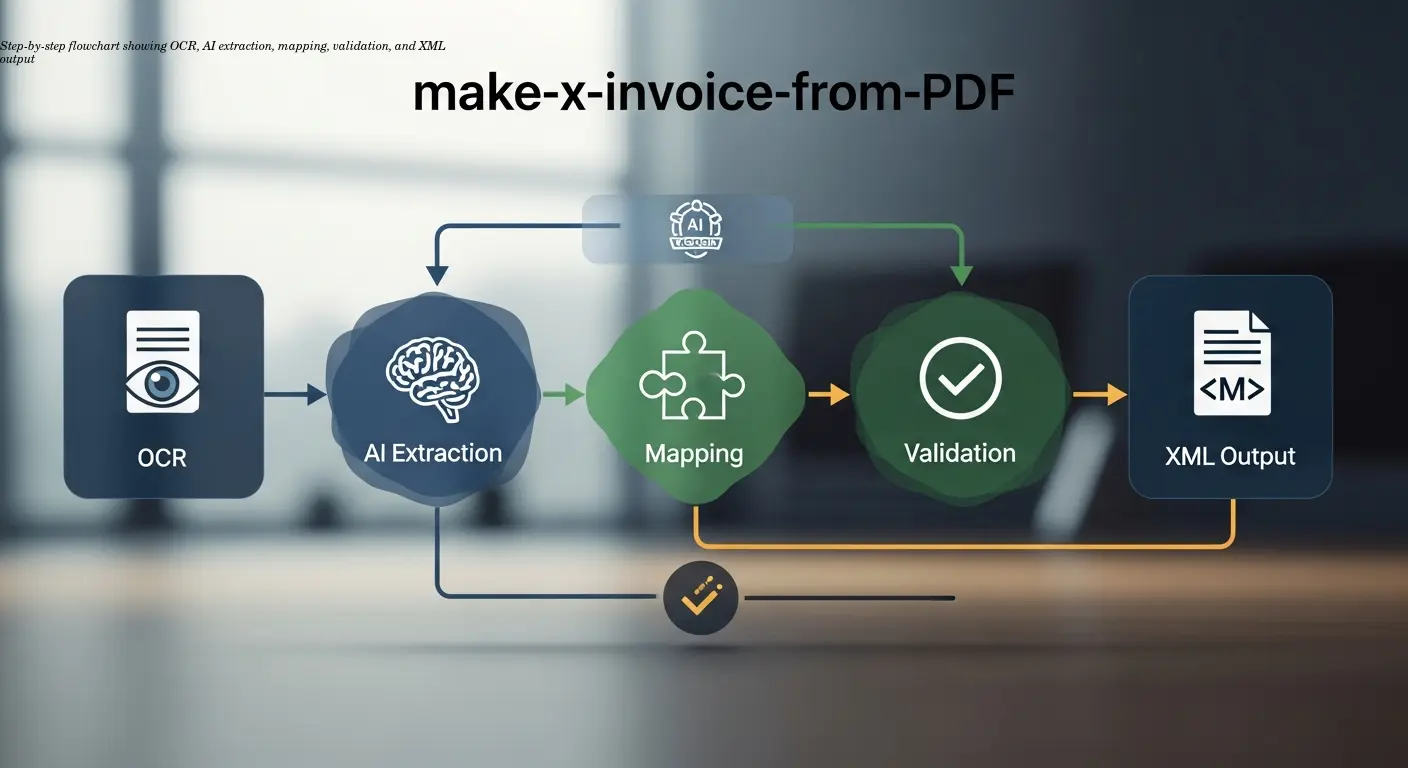
1. Reading the PDF and OCR
If the PDF contains selectable text, extraction is straightforward. For scanned or image-based PDFs, the tool must run OCR (Optical Character Recognition). OCR accuracy depends on scan quality — aim for clear 300dpi scans with good contrast.
2. AI Extraction and Pattern Recognition
After reading the text, modern converters use AI trained on many invoice layouts to identify invoice elements (invoice number, dates, currency, tables). Complex or unusual layouts can confuse extraction algorithms, so standardized templates help accuracy.
3. Data Mapping to XRechnung Schema
Mapped fields must match the XRechnung XML schema exactly — for example, invoice date must go to the correct XML tag, line items must use designated structures, and amounts must use the correct decimal separators. Any mismatch risks validation failure.
4. Validation and Output
Validation checks mandatory fields, formats (ISO dates), VAT calculations, and schema compliance. Successful validation produces a pure .xml X-Invoice file. Some tools can also generate hybrid formats like ZUGFeRD (XML embedded in PDF/A-3b) or help you create Factur-X invoices, but German public authorities typically require the pure XML XRechnung file.
Choosing Between Automated Tools and Manual Creation Methods
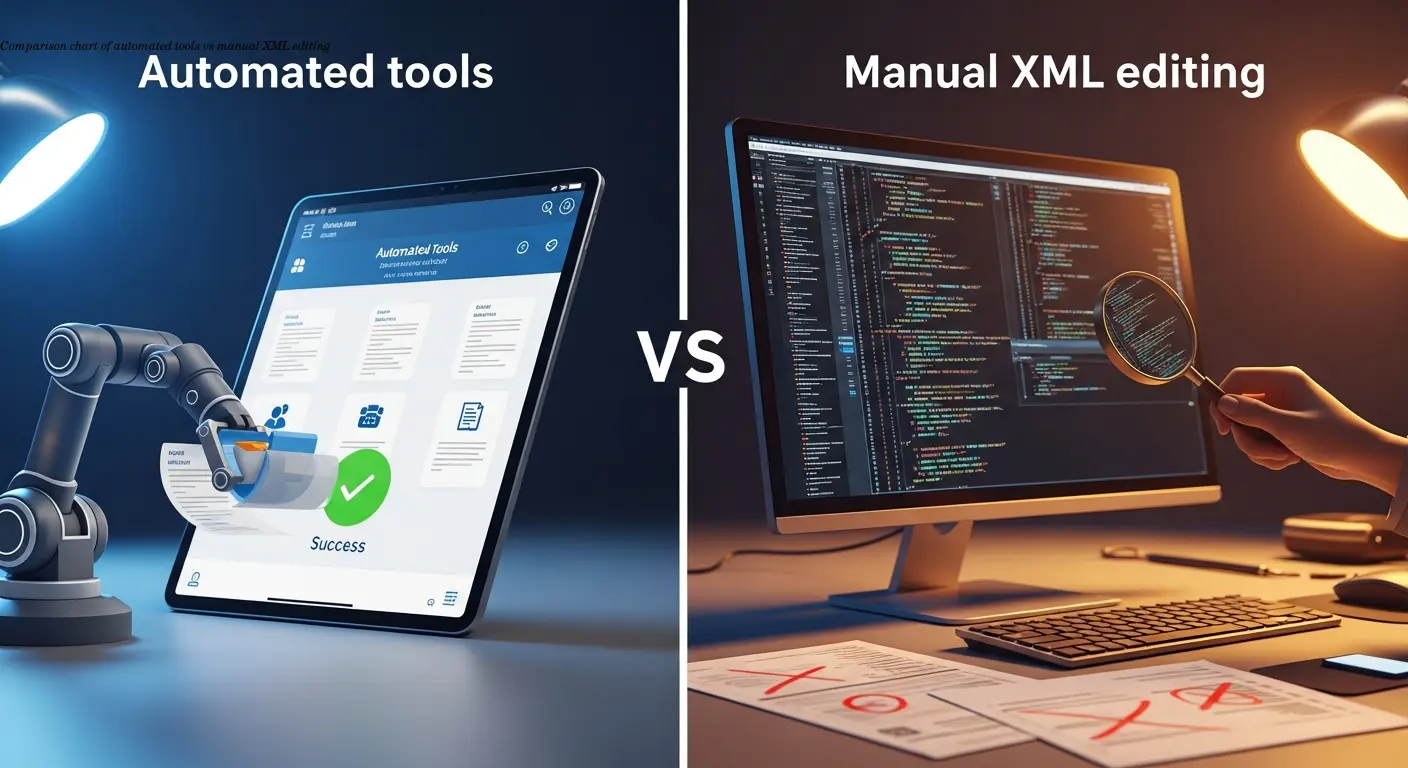
For recurring X-Invoice needs, choose automation. Tools such as conversion platforms dramatically reduce time and errors — modern AI-backed converters often exceed 95% accuracy on standard invoices and learn from corrections. Manual XML creation is feasible for a handful of edge cases but is slow, error-prone, and requires technical expertise.
Hybrid approach: Use automated tools for the bulk of invoices and reserve manual editing for exceptional cases. This balances efficiency with flexibility and reduces compliance risk.
Common Technical Challenges and How to Solve Them
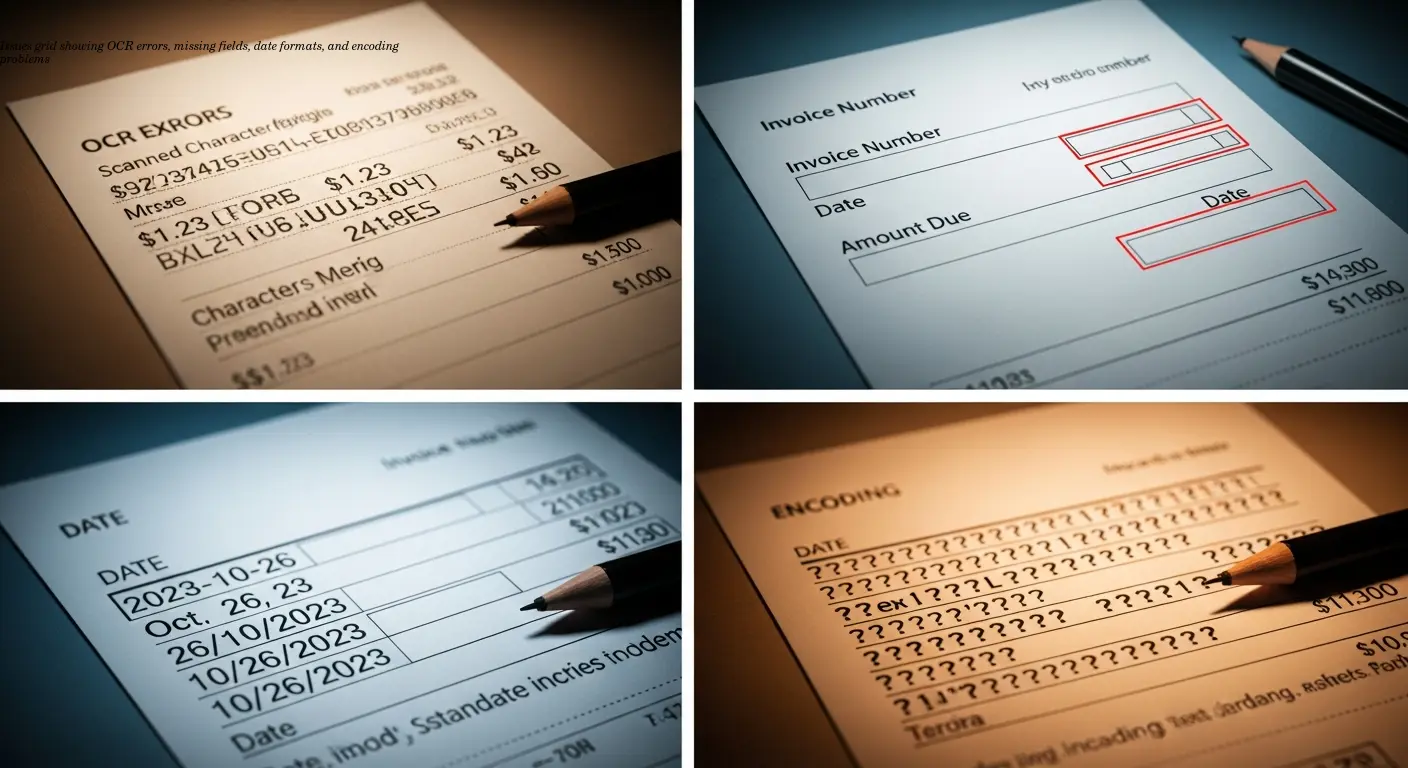
- OCR errors: Use high-resolution scans (300dpi+), good contrast, and standard fonts.
- Missing mandatory fields: Ensure buyer reference numbers, VAT breakdowns, and payment terms are present on PDFs.
- Date and number formats: Convert dates to ISO (YYYY-MM-DD) and use period decimal separators in the XML.
- Special characters: Verify proper XML escaping for characters like & < >.
- Complex tables: Simplify invoice layout where possible or flag for manual review.
Tip: Use validation tools provided by authorities or your converter to catch issues before submission.
Making Your First X-Invoice: A Practical Workflow
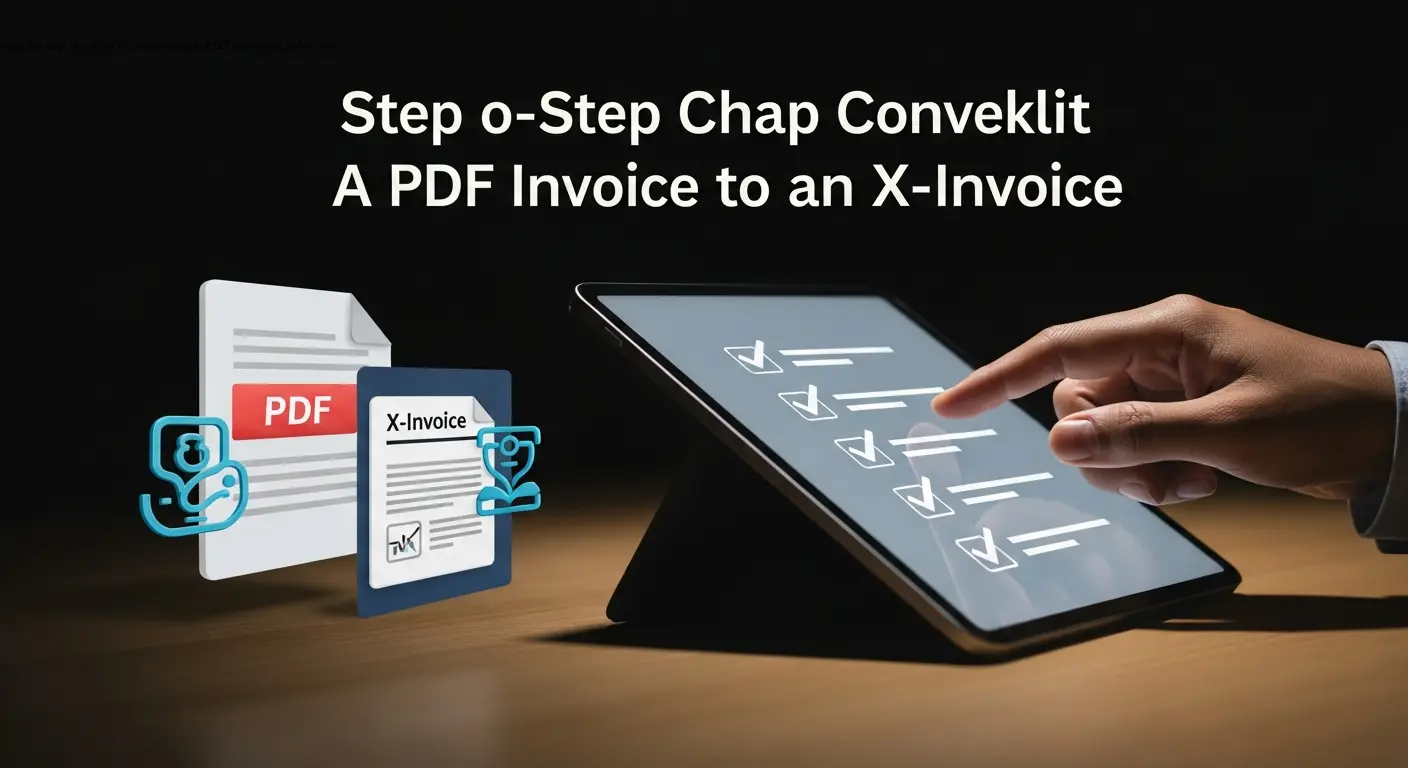
Follow these practical steps when converting your first PDF invoice using a conversion platform such as e-rechn.de converter:
- Review the PDF for required XRechnung elements (tax ID, buyer reference, invoice number, dates, VAT breakdown).
- Upload the PDF to the conversion platform (drag-and-drop or file selector).
- Review extracted data and correct OCR or mapping errors directly in the interface.
- Run validation, resolve any schema errors, and generate the final .xml file.
- Download the X-Invoice and, if available, test it with authority validation tools before submission.
Keep both the original PDF and the generated XML in your archive for auditing and dispute resolution.
Integration Options for Your ERP System and Workflow
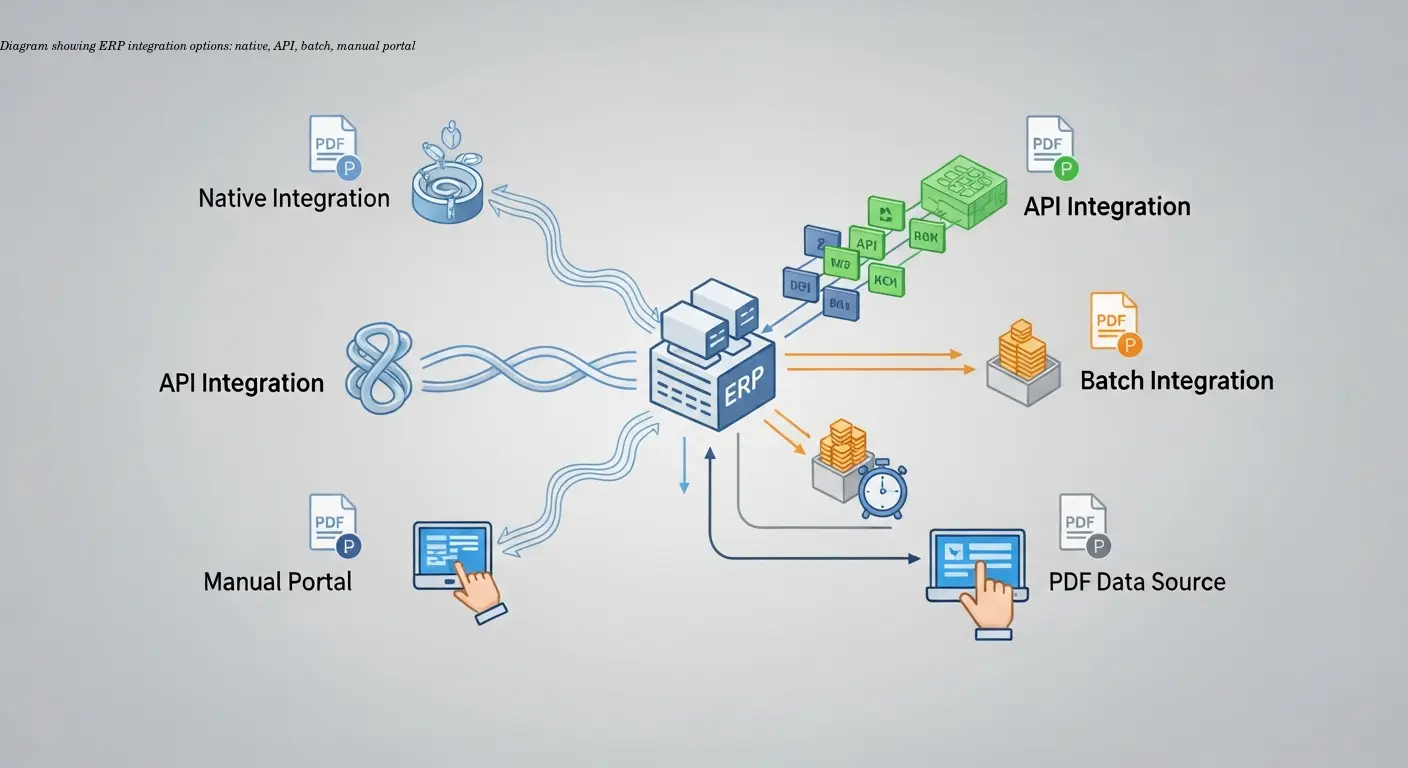
Integration strategy depends on your ERP, invoice volume, and IT resources:
- Native ERP support: Check if your ERP offers built-in XRechnung generation (SAP S/4HANA, Dynamics 365, Sage).
- API integration: Use REST APIs from converters to automate sending PDFs and receiving XMLs programmatically.
- Batch processing: Export PDF batches from ERP and convert them in bulk for periodic runs.
- Manual portal: Suitable for very low volumes where integration isn’t justified.
Best practice: Preserve the PDF-to-XML relationship in your archive and ensure retention periods meet tax requirements.
Future-Proofing Your Invoicing as E-Invoice Mandates Expand
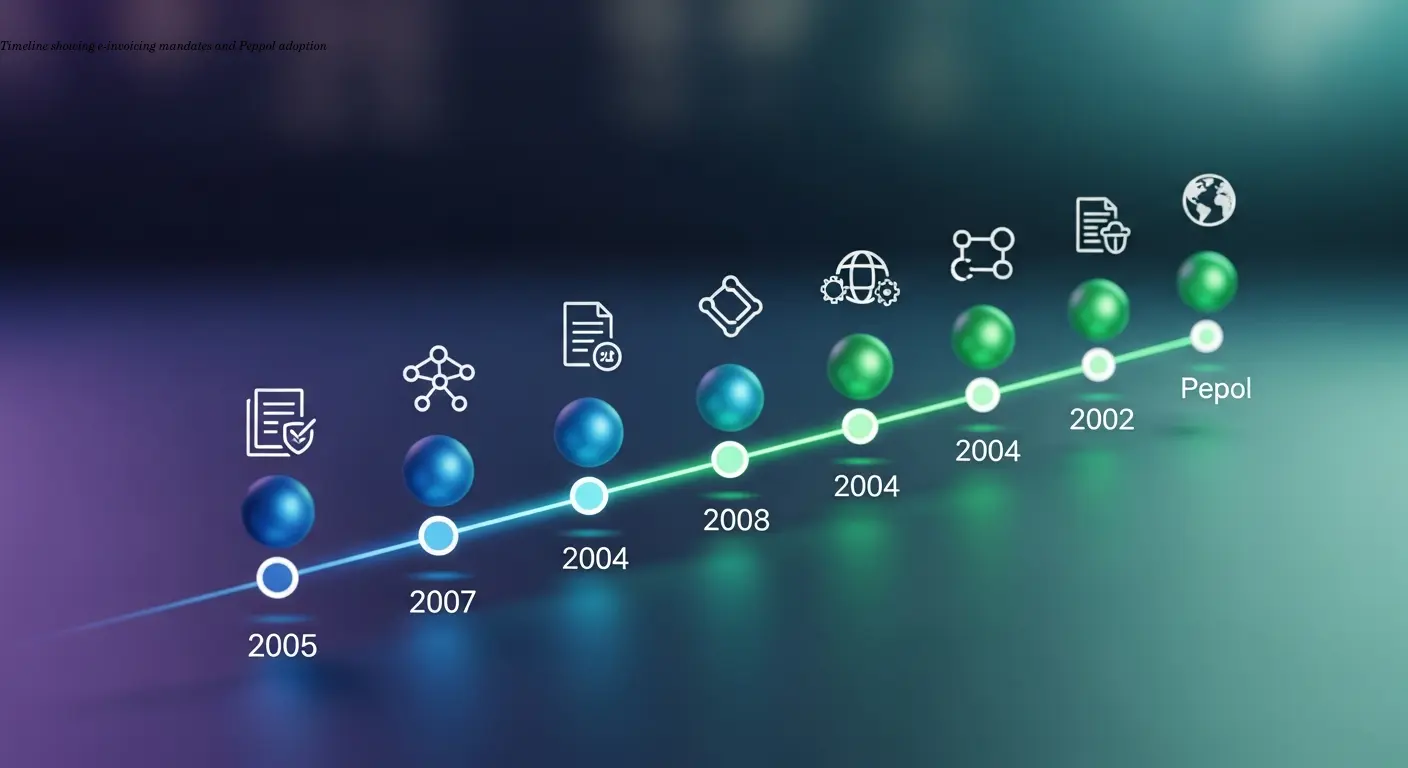
E-invoicing mandates are expanding beyond B2G. Germany plans broader B2B requirements (staggered by company size into 2025–2028), and other EU countries use similar XML-based standards (Factur-X, FatturaPA). If you need a structured migration path, read how to migrate PDF invoices to XML. Peppol adoption is growing for transmission. Implementing X-Invoice capability now positions you well for broader mandates and cross-border e-invoicing.
Choose conversion providers that actively maintain schema updates and offer multi-jurisdiction tax handling to reduce future migration effort.
FAQ
What's the difference between X-Invoice, XRechnung, ZUGFeRD, and Factur-X?
XRechnung is the German pure-XML e-invoice standard mandatory for B2G invoicing. X-Invoice is sometimes used interchangeably with XRechnung. Our guide to XRechnung, Factur-X and UBL formats explained covers when each format applies. ZUGFeRD and Factur-X are hybrid formats that embed XML data inside a PDF/A-3b file, giving you both human-readable and machine-readable versions. For German public authorities, pure XML XRechnung is typically required, while ZUGFeRD/Factur-X work for B2B scenarios.
Can I convert scanned PDF invoices to X-Invoice format?
Yes, but with caveats. Conversion tools use OCR to read scanned PDFs, and accuracy depends heavily on scan quality. High-resolution scans with clear text convert well, while poor quality scans produce errors. You'll need to review and correct extracted data more carefully with scanned documents. For best results, use 300dpi or higher scans with good contrast.
Do I need special software or can I create X-Invoice files manually?
You can create X-Invoice XML files manually using text editors or XML editors if you understand the schema, but it's impractical for regular use. The format is complex with many required fields and strict validation rules. Automated conversion tools or ERP systems with native X-Invoice support are far more efficient and less error-prone for production invoicing.
What happens if my X-Invoice file fails validation?
The receiving system will reject the invoice and usually provide an error message indicating what's wrong. Common issues include missing mandatory fields, incorrect date formats, VAT calculation errors, or invalid buyer reference numbers. Fix the identified problem in your source data and regenerate the X-Invoice file. Good conversion tools validate before finalizing to catch errors early.
How long does it take to convert a PDF invoice to X-Invoice?
Automated conversion typically takes 30 seconds to 2-3 minutes per invoice, depending on complexity and page count. Bulk processing handles multiple invoices faster per unit. If you need to manually correct extracted data, add 5-10 minutes for review and fixes. Setting up automated workflows creates near-instant conversion once configured.
Can I use X-Invoice for international clients outside Germany?
X-Invoice follows the European EN 16931 standard, making it compatible with e-invoicing systems across the EU. Different countries may have specific requirements or prefer local variations (like Factur-X in France or FatturaPA in Italy), but the underlying structure is similar. For clients outside the EU, check their specific e-invoice format requirements.
Is there a free way to convert PDF to X-Invoice?
Some tools offer free tiers with limited conversions per month, suitable for very low volumes. Open-source libraries exist for developers willing to code their own solution. For regular business use, paid conversion services or investing in proper ERP functionality makes more sense than cobbling together free tools – the reliability and support justify the cost.
What should I do with the original PDF after creating an X-Invoice?
Keep both files for your records. The X-Invoice XML serves for transmission and compliance, while the PDF provides human-readable backup for review and potential disputes. Your archiving system should link the two documents clearly. Tax authorities may request either format during audits, so maintaining both ensures you're covered.
Related articles
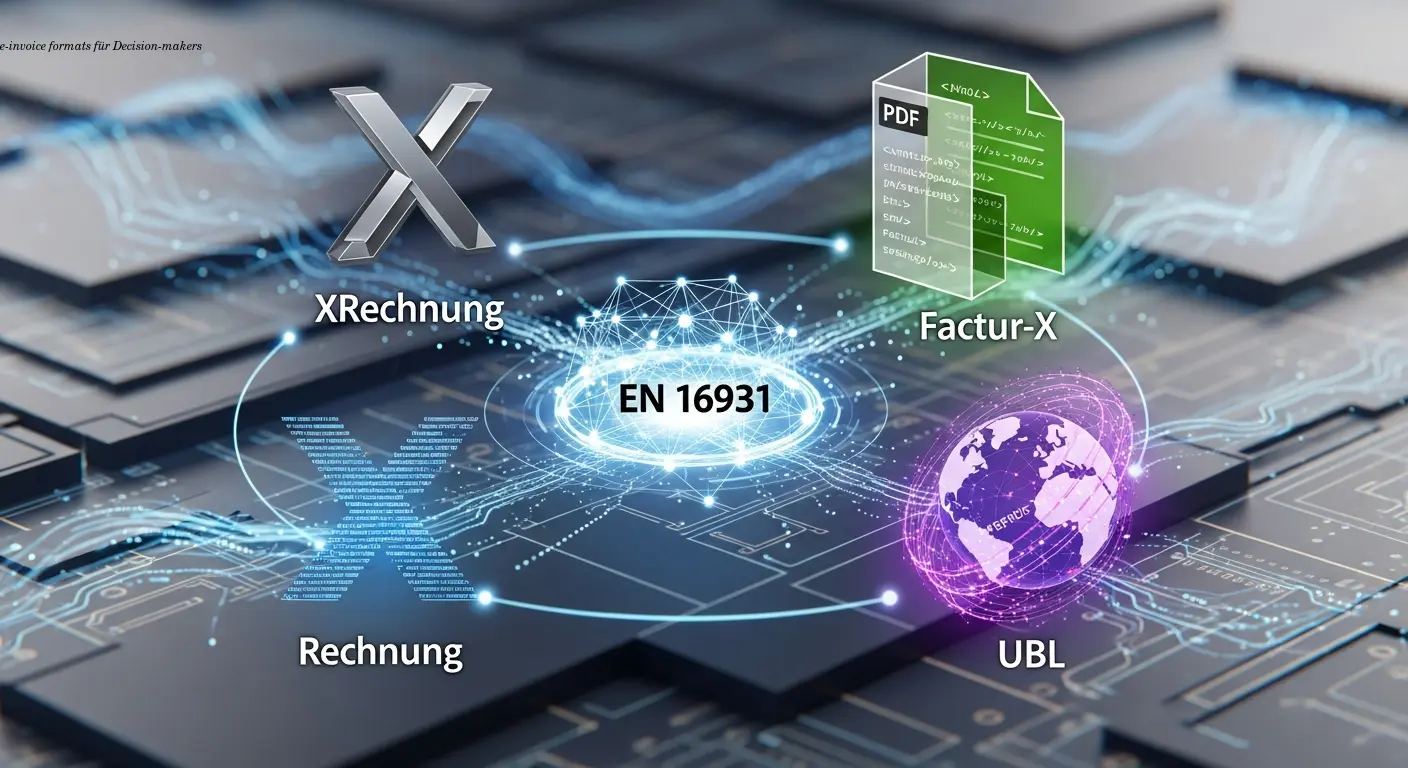
e-invoice formats XRechnung Factur-X UBL Explained
Compare e-invoice formats XRechnung, Factur-X and UBL to choose the best EU-compliant approach. Expert guidance and AI automation to simplify rollout.
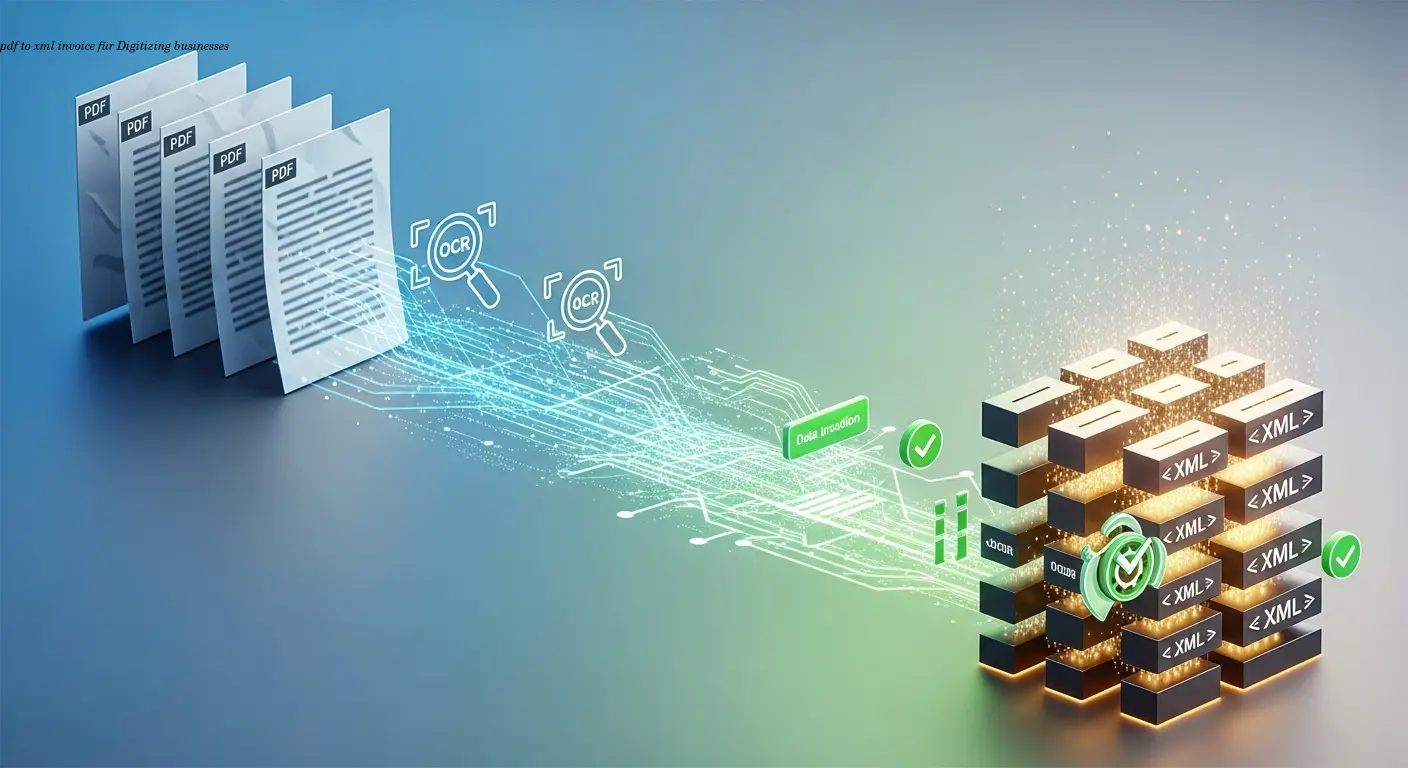
Practical pdf to xml invoice Migration for Businesses
Phased, practical plan to convert PDFs into compliant pdf to xml invoice workflows. Learn OCR, mapping, validation and AI best practices to cut errors.
Create Factur-X Invoices for German & French Firms
Create factur-x invoices to meet French and German e-invoicing rules, automate accounting, reduce errors, and ensure compliance with AI-powered validation.
About the author

Alexander Lutsyuk · Founder & Operator
Alexander Lutsyuk is the founder of Algoran and runs E-Rechn.de. He has worked for years in automation, digital content and SEO, currently as an on-page SEO adviser at SEO-Küche Internet Marketing GmbH & Co. KG. With E-Rechn.de he combines hands-on automation expertise with the practical demands of the EU e-invoicing mandate: XRechnung, ZUGFeRD, Factur-X and EN 16931. He holds an M.Sc. from Humboldt University of Berlin and is a BVDW-certified specialist.
Education: Humboldt-Universität zu Berlin
BVDW-certified specialist