
Understanding What It Means to Make Peppol Invoice Files
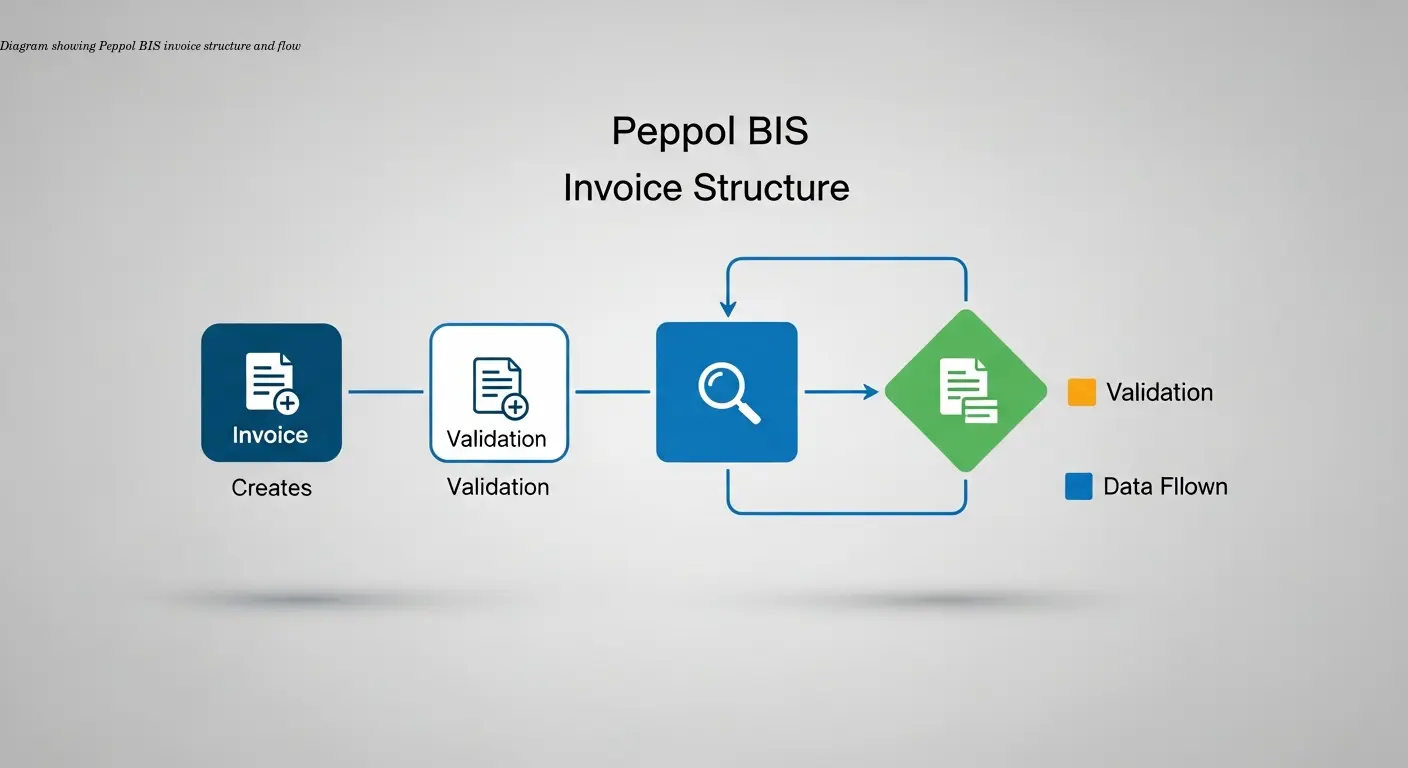
Making a Peppol invoice isn't as complicated as it sounds. At its core, you create an electronic invoice in a standardized XML format that machines can read and process automatically. The Peppol BIS (Business Interoperability Specification) format ensures consistent transmission and interpretation of invoice data across countries and systems.
Real-world example: I worked with a client selling HVAC systems across Europe who were frustrated by differing customer formats and hours spent reformatting invoices. Switching to Peppol BIS Billing 3.0 solved that: one format worked for everyone, cutting processing time and errors.
BIS Billing 3.0 includes standardized XML tags for supplier/buyer data, invoice totals, VAT breakdowns, line items, and payment terms. For many public sector contracts this is mandatory—not optional. The format is machine-readable end-to-end: software generates the XML, validates it, sends it over a secure network, and the recipient's system imports it automatically.
The Automation Workflow That Makes Your Life Easier
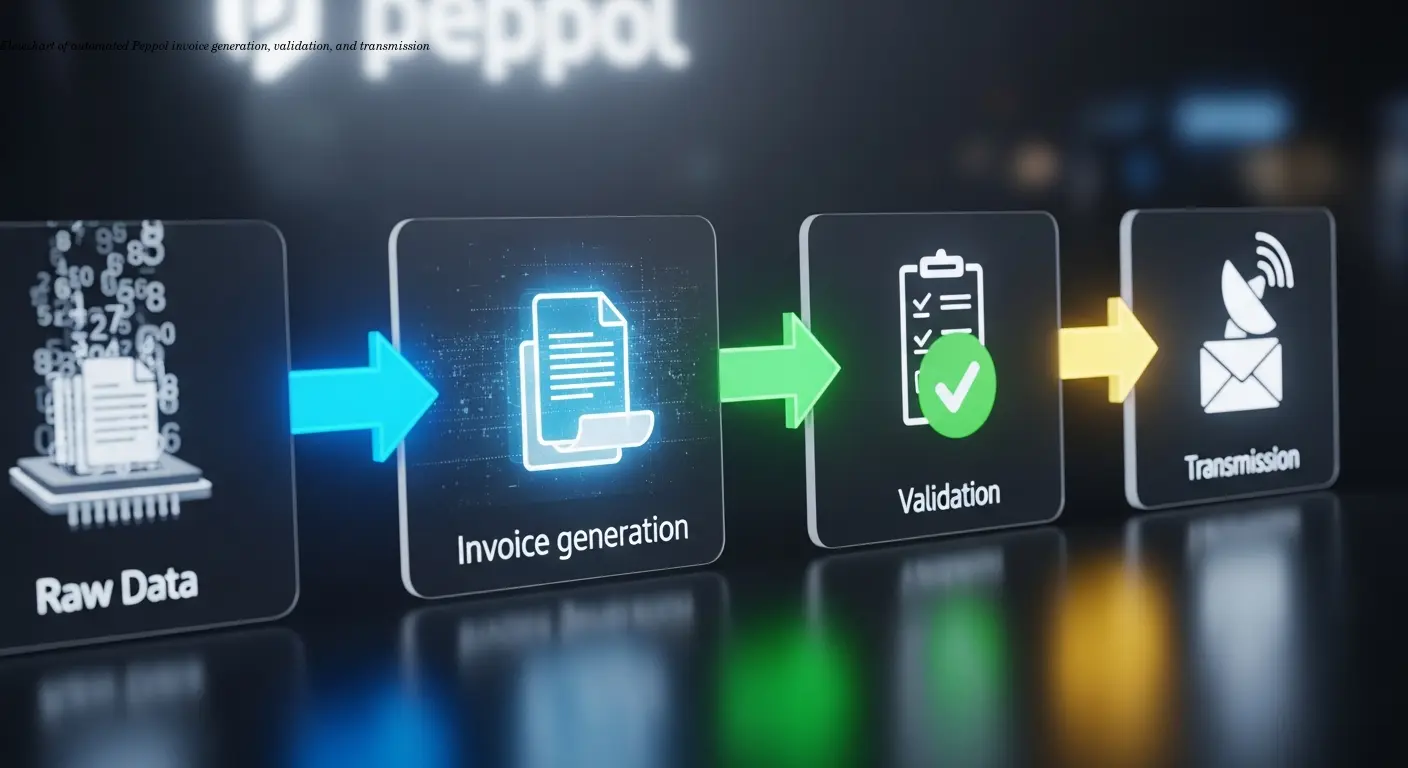
Automation follows a clear sequence:
- Data extraction: Your accounting or ERP software pulls transaction data—items, quantities, prices, customer details.
- XML generation: The system converts the data into a Peppol BIS 3.0-compliant XML file instantly when an invoice is created.
- Validation: The software checks required fields and rules (including EN 16931 where relevant). Errors like missing buyer references or VAT mismatches are caught immediately.
- Transmission via Access Point: Think of this as a secure postal service—your invoice is routed to the recipient's Peppol ID reliably and securely.
- Recipient import: The buyer's system automatically ingests the invoice—no printing, scanning, or manual entry.
Result: fewer mistakes, faster payment cycles, and large time savings for teams that process dozens or hundreds of invoices monthly.
Why Businesses Choose Automated Peppol BIS Billing
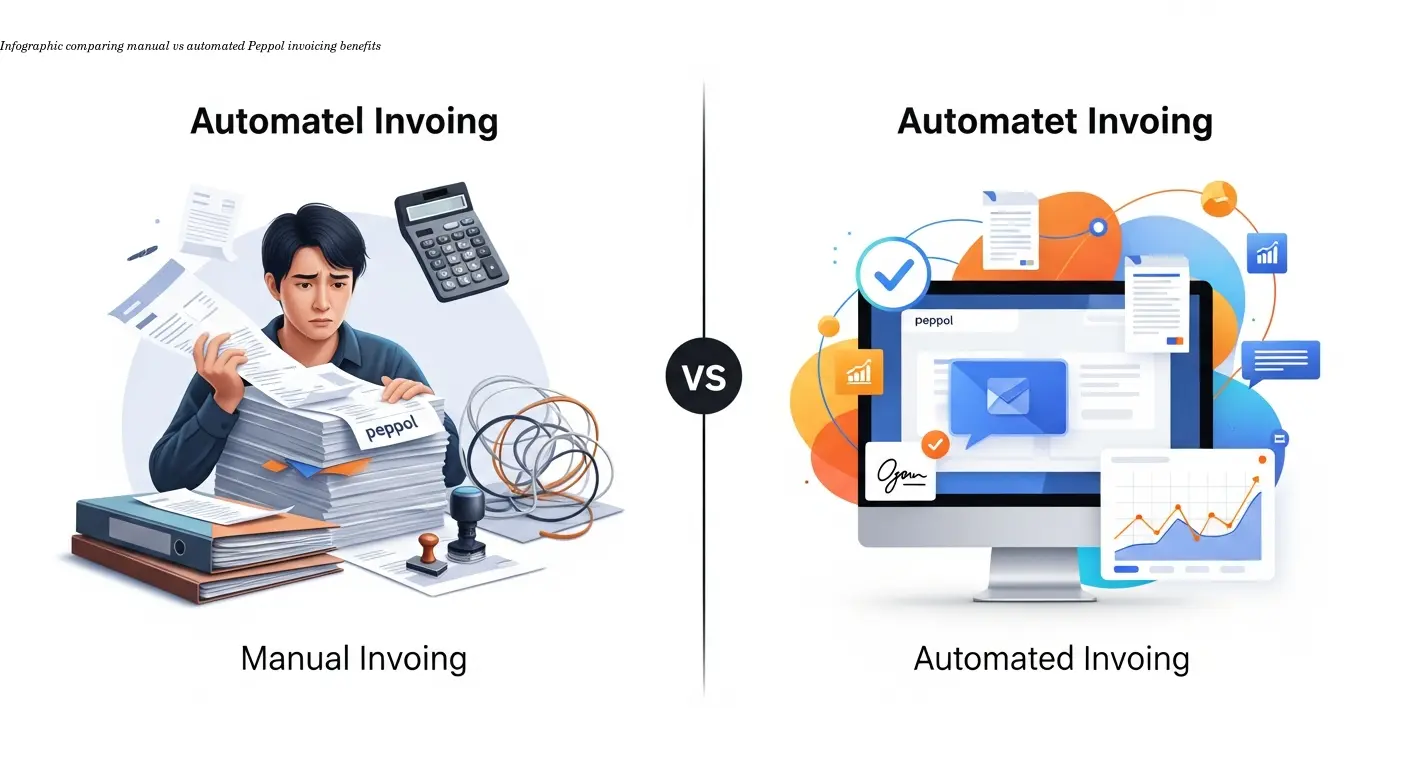
Time savings: Removing manual entry frees staff to focus on growth-oriented tasks rather than administrative work.
Error reduction: Automated validation reduces rejections and disputes. I've seen companies cut rejection rates from ~12% to under 1% after implementing automated Peppol billing.
Compliance: The system ensures legal/fiscal requirements (VAT breakdowns, mandatory fields, buyer references) are met automatically—important for public sector work in countries like Germany.
Standardization: One format for multiple countries removes the headache of supporting many national invoice formats, enabling easier international expansion and consistent processing.
Making Peppol Invoice Documents for Different Use Cases
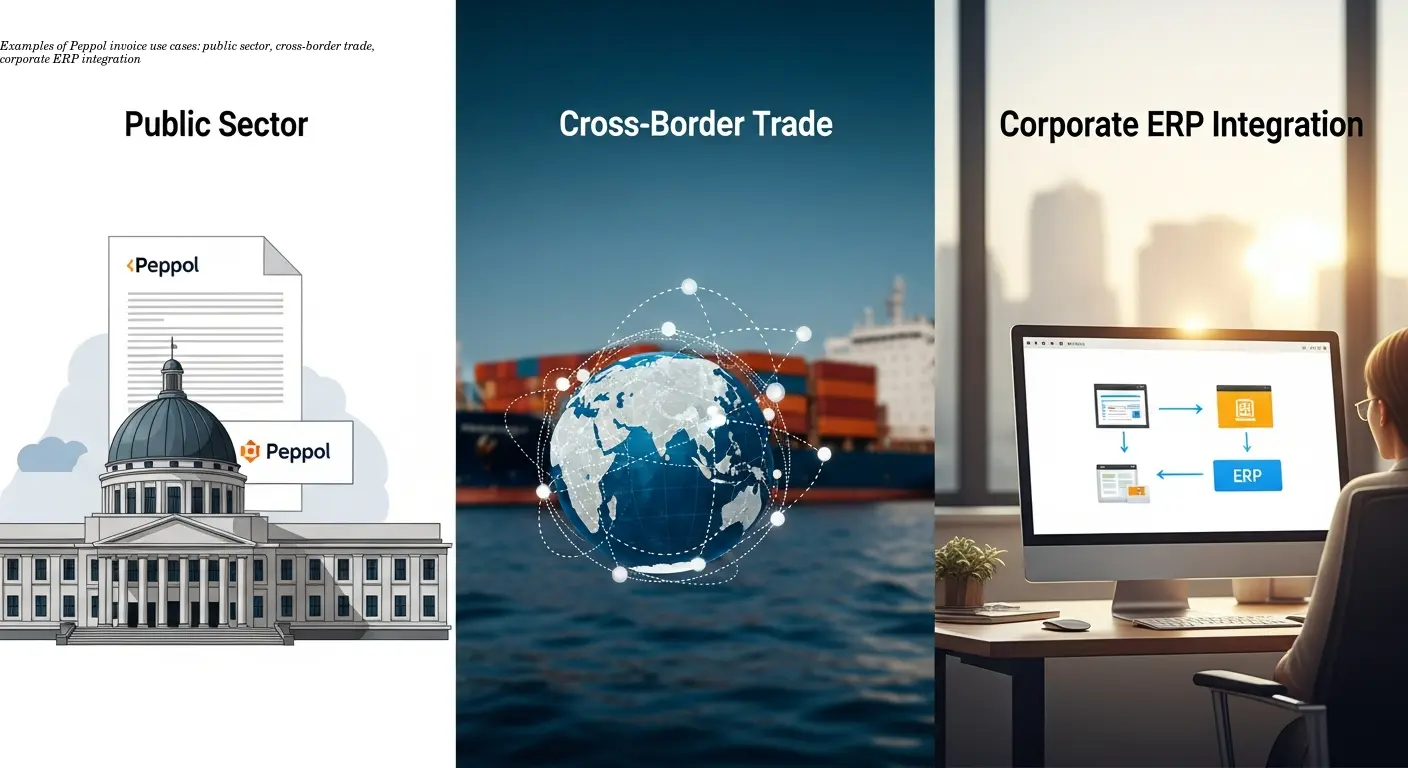
Public sector compliance: Many government and institutional buyers require Peppol BIS or national variants such as XRechnung in Germany. If you're selling to schools, hospitals, or municipalities, compliant electronic invoicing is often mandatory.
Cross-border trade: Peppol was built to overcome national differences. When selling to multiple countries, one standardized invoice format significantly reduces complexity and errors.
Corporate integration: Small businesses can use cloud accounting tools with built-in Peppol output; larger companies integrate Peppol into ERP and DMS ecosystems. The standard supports both simple and advanced implementations.
Tools and platforms focused on EU-compliant invoicing let you start without heavy IT investment—software handles XML generation, validation, and Access Point connectivity for you.
Technical Requirements You Actually Need to Know

You don't need to be an XML expert. But understand these basics:
- The invoice data is structured with standardized XML tags defined by Peppol BIS.
- Your software must support Peppol BIS Billing 3.0 or connect to a plugin that does.
- Access Points connect you to the Peppol network—either built into your software or provided by a third party.
- You need your customer's Peppol ID to send invoices on the network; public buyers often publish these IDs on procurement pages.
Good solutions handle country-specific variations (e.g., Germany's XRechnung) and validation rules automatically, so your team can keep using familiar workflows while the software manages the technical details.
Common Challenges When You Make Peppol Invoice Files
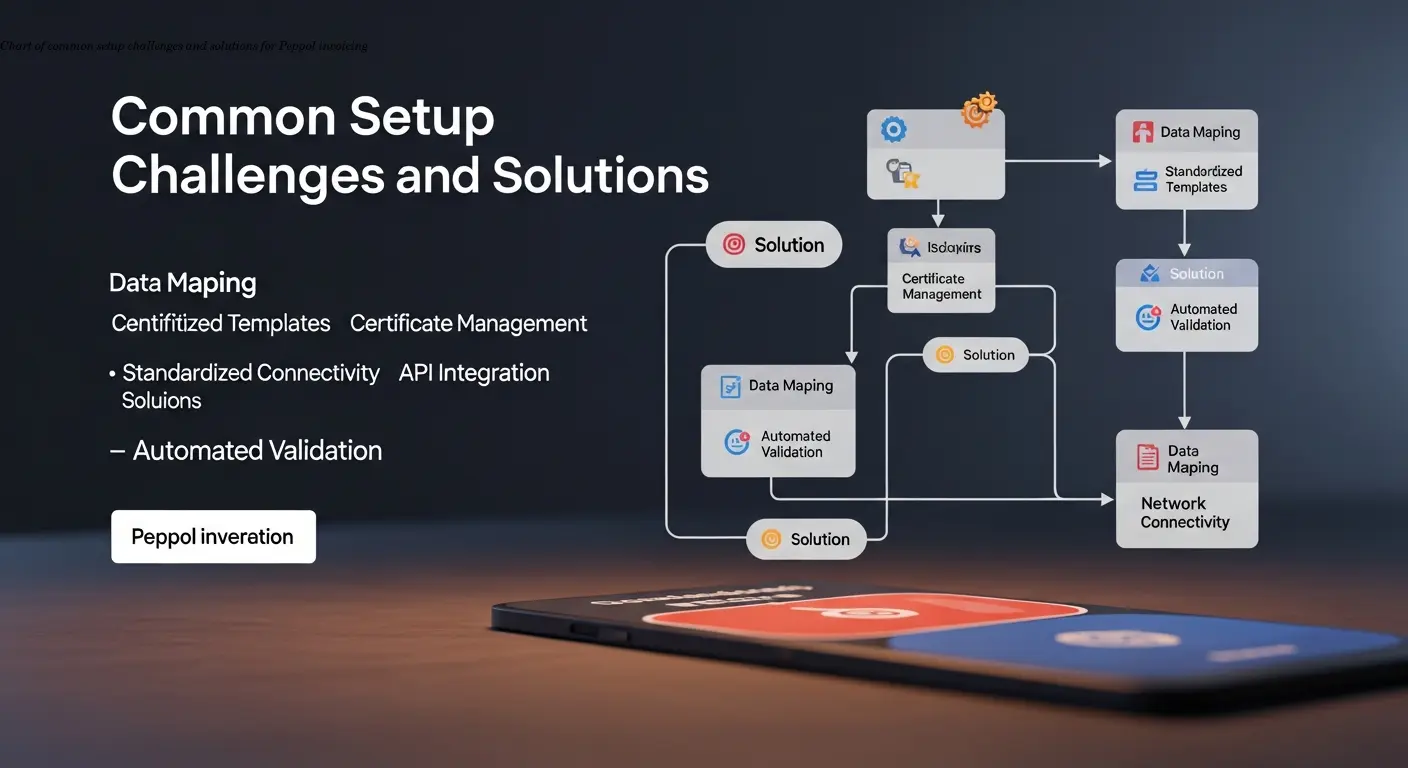
Initial setup: Choosing software, configuring Access Points, registering a Peppol ID, and mapping product data take time. Most businesses find implementation help or a dedicated internal lead makes this phase smooth.
Data quality: Legacy habits—abbreviated product descriptions or missing customer references—suddenly cause validation failures. Treat this as a business improvement opportunity: fixing data improves overall operations.
Format confusion: While Peppol BIS is the base, countries may require additional fields. Use software that handles national variants automatically and verify requirements for each country.
Customer onboarding: Complete Peppol onboarding steps first — not all customers will be on the Peppol network immediately. You may run Peppol in parallel with traditional invoicing during transition—clear communication and flexible systems help.
Step-by-Step: How to Make Peppol Invoice Documents

- Choose your software: Select a solution that fits your size and needs—look for Peppol BIS Billing 3.0 support, automatic validation, and Access Point connectivity. Many vendors offer trials.
- Configure the system: Enter company details, set up your product catalog with full descriptions, and map internal codes to standard categories. Accurate configuration prevents later validation errors.
- Trigger invoice creation: In your normal workflow (order completion, service delivery), create invoices as usual—software will convert the data to Peppol XML automatically.
- Review and send: After automatic validation, review the summary and send. The invoice goes via your Access Point to the recipient's Peppol ID, and you typically receive delivery/processing confirmations.
Tip: Your first invoices may require more attention during setup, but once configured, Peppol invoice creation becomes as fast as generating a PDF—only far more reliable and compliant.
FAQ
Do I have to use Peppol invoicing for all my customers?
No, you can use Peppol BIS billing selectively. Many businesses start with public sector clients where its required, then gradually expand to other customers who want electronic invoicing. You can maintain traditional invoicing methods for customers who prefer them.
How much does it cost to make Peppol invoice documents?
Costs vary widely. Some accounting software includes Peppol functionality at no extra charge, while others charge monthly fees ranging from €20 to several hundred euros depending on volume and features. Access Point services might charge per invoice or offer unlimited sending for a flat monthly rate. For most small to medium businesses, total costs are under €100 monthly.
Can I create Peppol invoices if my customers aren't on the network yet?
You need your customer's Peppol ID to send them invoices through the network. For customers not yet connected, you can generate Peppol-compliant files and send them via email or other methods, then transition to network delivery once they're set up. Some businesses use this approach to stay compliant with the format even when not using the network.
What happens if my Peppol invoice gets rejected?
Validation catches most errors before sending, but if a recipient's system rejects an invoice, you'll receive notification with the reason. Common issues include missing buyer references or incorrect VAT numbers. You fix the error in your system and resend. The structured error messages make troubleshooting much easier than with traditional invoice disputes.
Is Peppol invoicing secure?
Yes, the network uses encryption and secure protocols for all transmissions. Access Points verify sender and receiver identities, and the system maintains audit trails of all transactions. This is actually more secure than emailing PDF invoices, which can be intercepted or modified.
How long does it take to set up Peppol invoicing?
For businesses with clean data and simple needs, initial setup can take just a few days. More complex operations with multiple product lines, various VAT scenarios, or integration with existing ERP systems might need a few weeks. The actual learning curve for daily use is usually just a few hours once the system is configured properly.