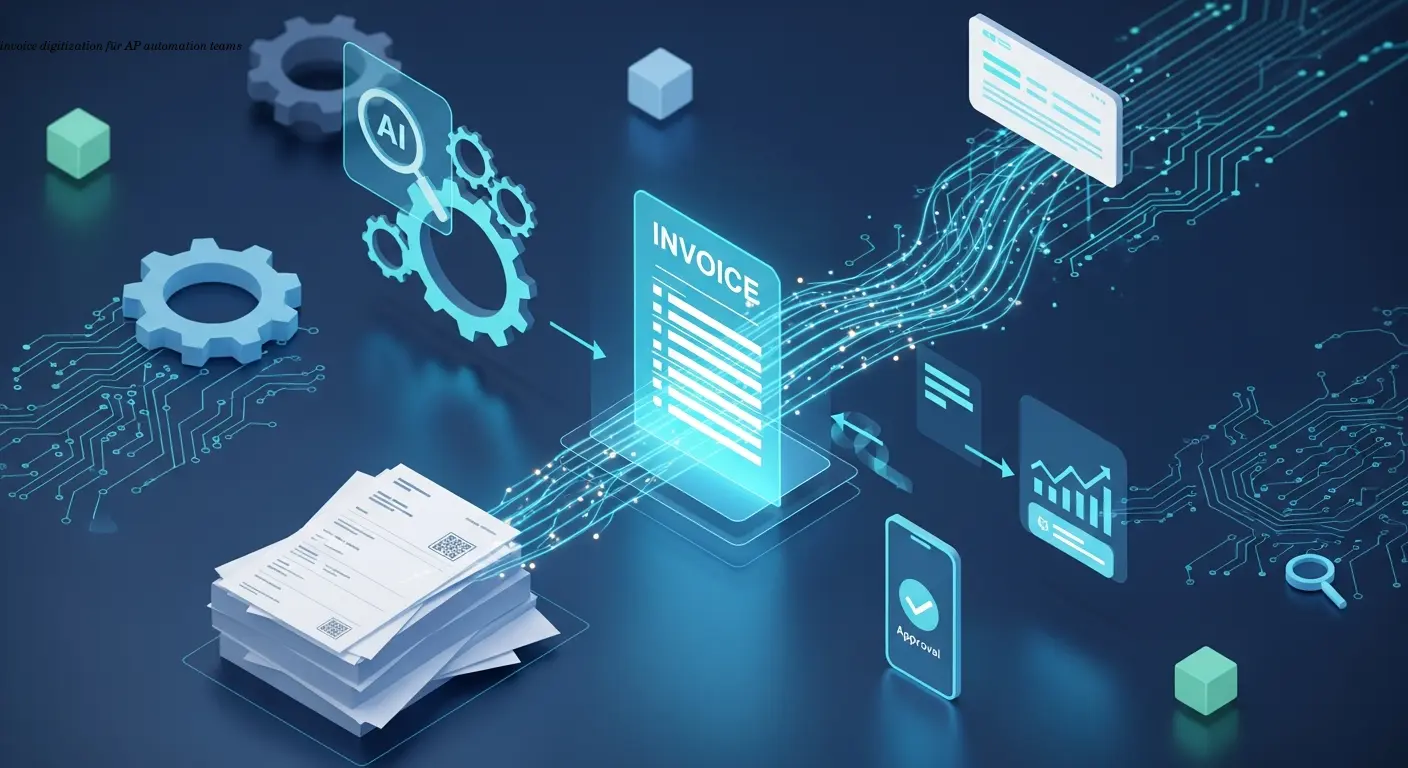
Practical Invoice Digitization Playbook for AP Teams
Automating Invoice Digitization: A Practical Guide for AP Teams
Estimated reading time: 8 minutes
Key takeaways
- Invoice digitization uses OCR and AI to convert paper and digital invoices into structured, machine-readable data, eliminating manual data entry.
- Cost and speed benefits: Modern OCR can reduce processing costs by up to 50% and speed workflows roughly three times versus manual methods.
- AI learning and integration: Systems improve accuracy over time, adapt to different layouts and languages, and integrate with ERPs for automatic matching and approvals.
- Regulatory urgency: Germany's 2027 B2B e-invoicing mandate (XRechnung/ZUGFeRD) makes digitization essential for compliance and competitive advantage.
- Mobile and exception handling: Mobile approvals and exception workflows reduce bottlenecks and keep processing moving smoothly.
Table of contents
- Understanding Invoice Digitization in Modern AP Operations
- How OCR Technology Transforms Invoice Processing
- Building Automated Workflows Around Digitized Invoices
- Integration with ERP and Financial Systems
- Measuring ROI and Business Impact
- Choosing the Right Invoice Digitization Approach
- Preparing for Germany's 2027 E-Invoicing Mandate
- Future Trends in Invoice Digitization
- FAQ
Understanding Invoice Digitization in Modern AP Operations
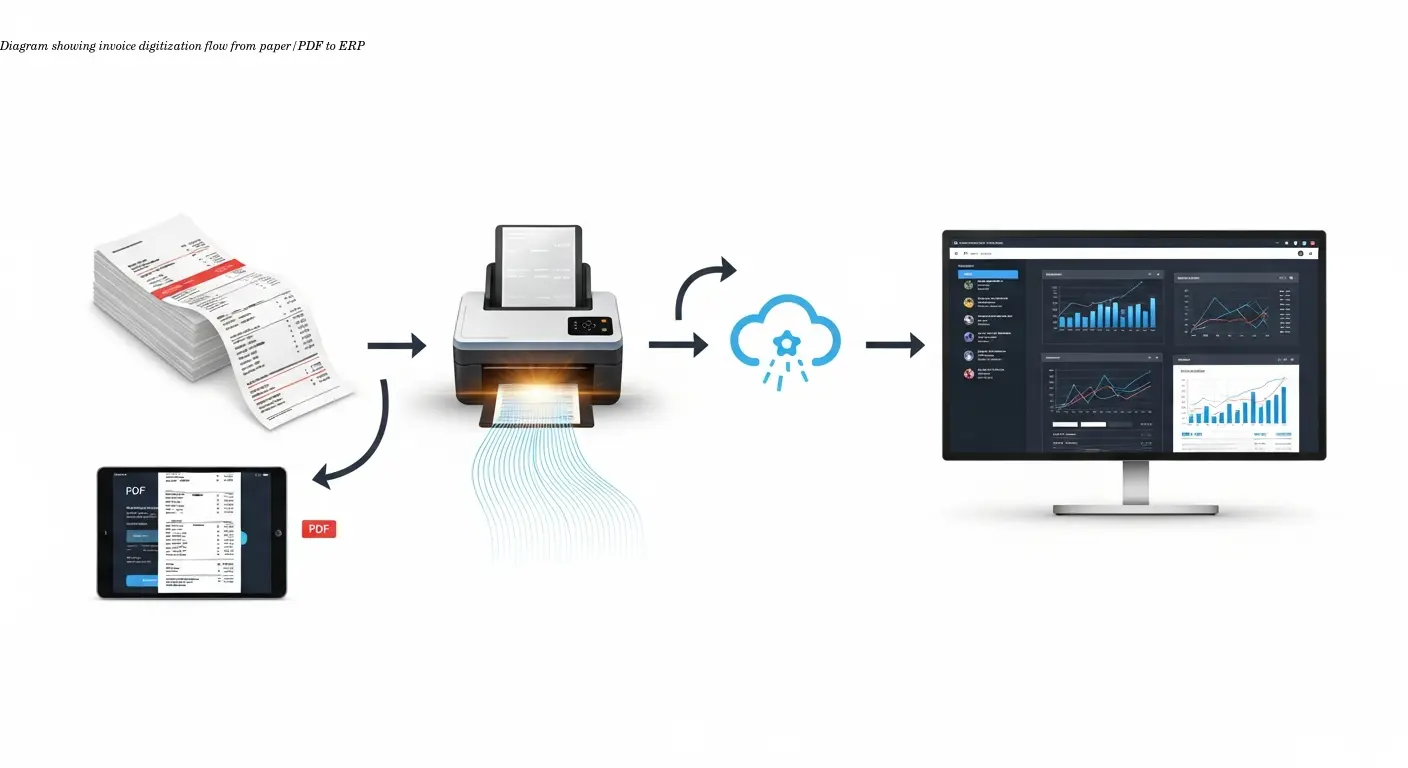
Invoice digitization transforms how accounts payable teams handle supplier invoices. Instead of manually typing data from paper or PDF invoices into your ERP system, OCR software scans documents and extracts key information automatically. This includes supplier names, invoice numbers, line items, amounts, dates, and payment terms—captured without human intervention.
Many AP teams are overwhelmed by volume. One finance manager reported her team spent nearly 40 hours per week on data entry; after digitization that dropped to less than 10 hours. The technology handles repetitive work while your team focuses on exceptions and strategic tasks.
The process starts when an invoice arrives—scanned from paper or received as a PDF via email. OCR identifies relevant fields and converts everything into structured data your systems can understand. Modern solutions handle context, poor scans, and even handwritten notes, not just raw text recognition.
Scanning an invoice creates an image; digitization creates actionable data that can trigger workflows and audit trails without manual touchpoints.
How OCR Technology Transforms Invoice Processing
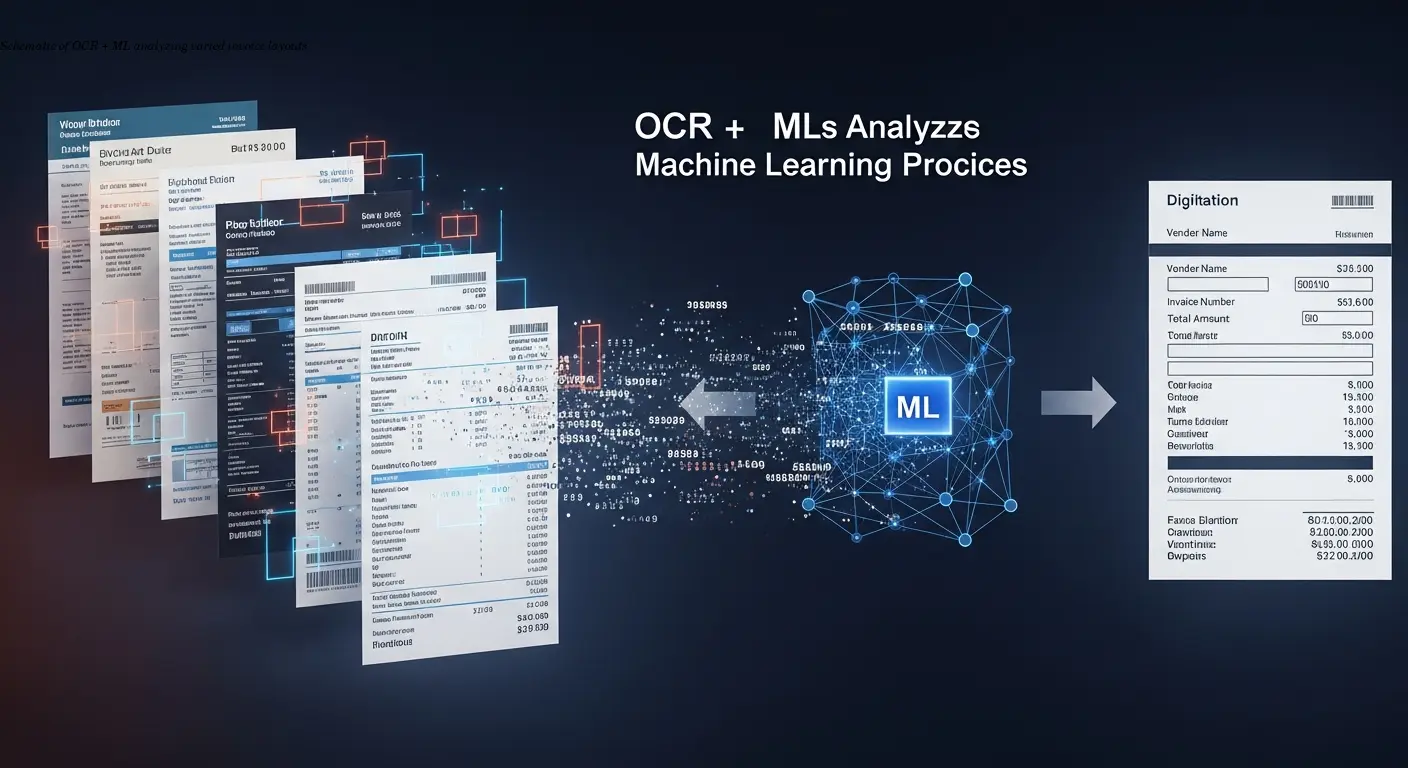
OCR has evolved beyond character recognition. Today's systems use AI and machine learning to understand invoice structures even when suppliers use different formats. They adapt to variations in layout, language, and formatting that would confuse older systems.
When an invoice enters the system, OCR performs multiple operations: it identifies document type, locates data fields regardless of position, validates information against expected patterns, and flags anomalies for review. This occurs in seconds rather than minutes or hours.
"Each processed invoice teaches the system something new." Machine learning raises accuracy over time: initial accuracy of ~85% for a difficult supplier can climb to 95%+ after corrections are learned.
Modern OCR also supports multiple languages and currencies, recognises tax codes, validates calculations, and can cross-reference purchase orders to ensure matching before approval.
Building Automated Workflows Around Digitized Invoices
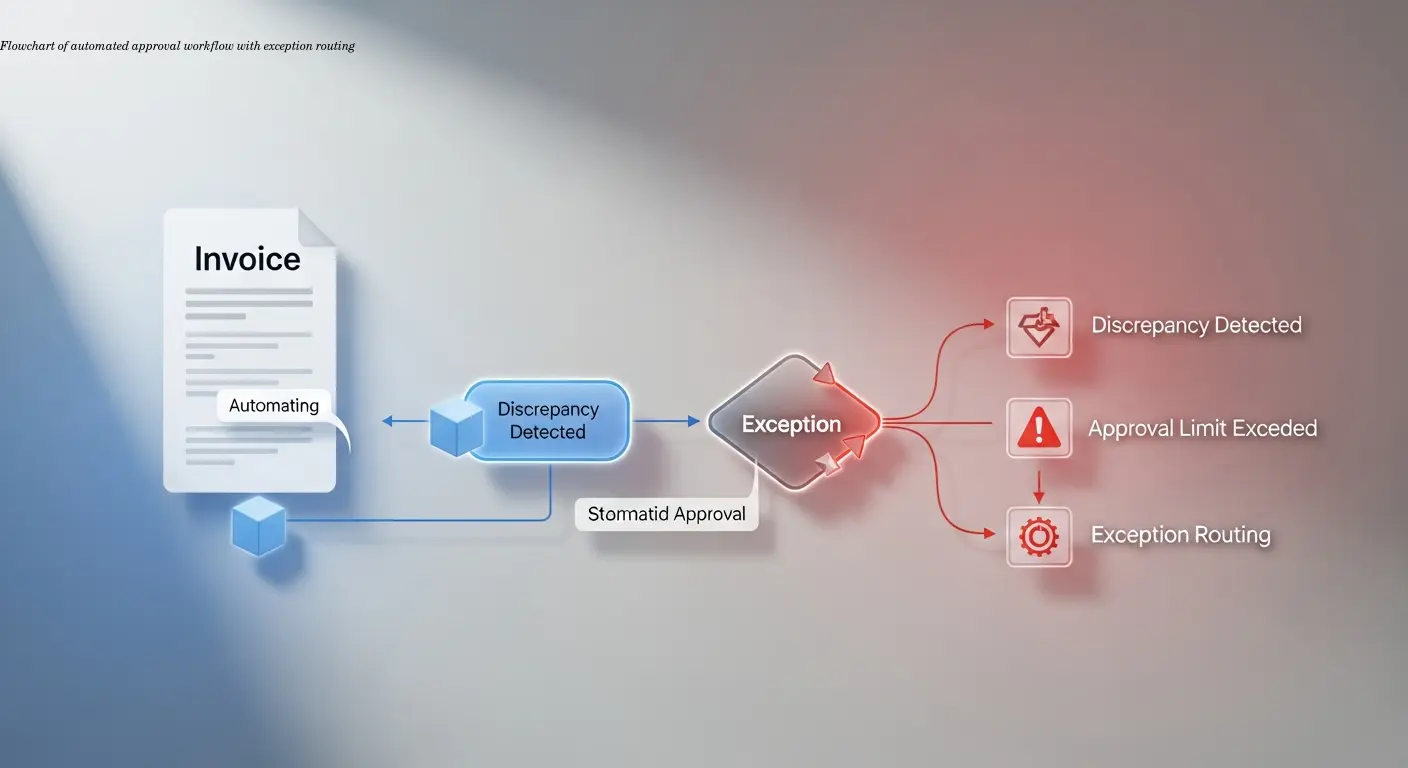
Once data is captured, automated workflows handle approvals. The system routes invoices to approvers based on rules—amount thresholds, department codes, project numbers, or custom criteria.
Three-way matching (invoice, PO, receipt) happens automatically when POs and receiving records exist. If everything aligns, the invoice proceeds to payment; discrepancies trigger exception workflows instead of stopping all processing.
Mobile approvals shrink cycle times. I've seen AP cycles drop from 15 days to 5 days because approvers could review and approve invoices from their phones. That's tangible cash-flow and supplier-relationship impact.
Exception handling becomes auditable and efficient: flags route to the right person, and every resolution is recorded. The system timestamps and logs actions—who touched the invoice, what changed, and when—creating a tamper-proof audit trail.
Integration with ERP and Financial Systems
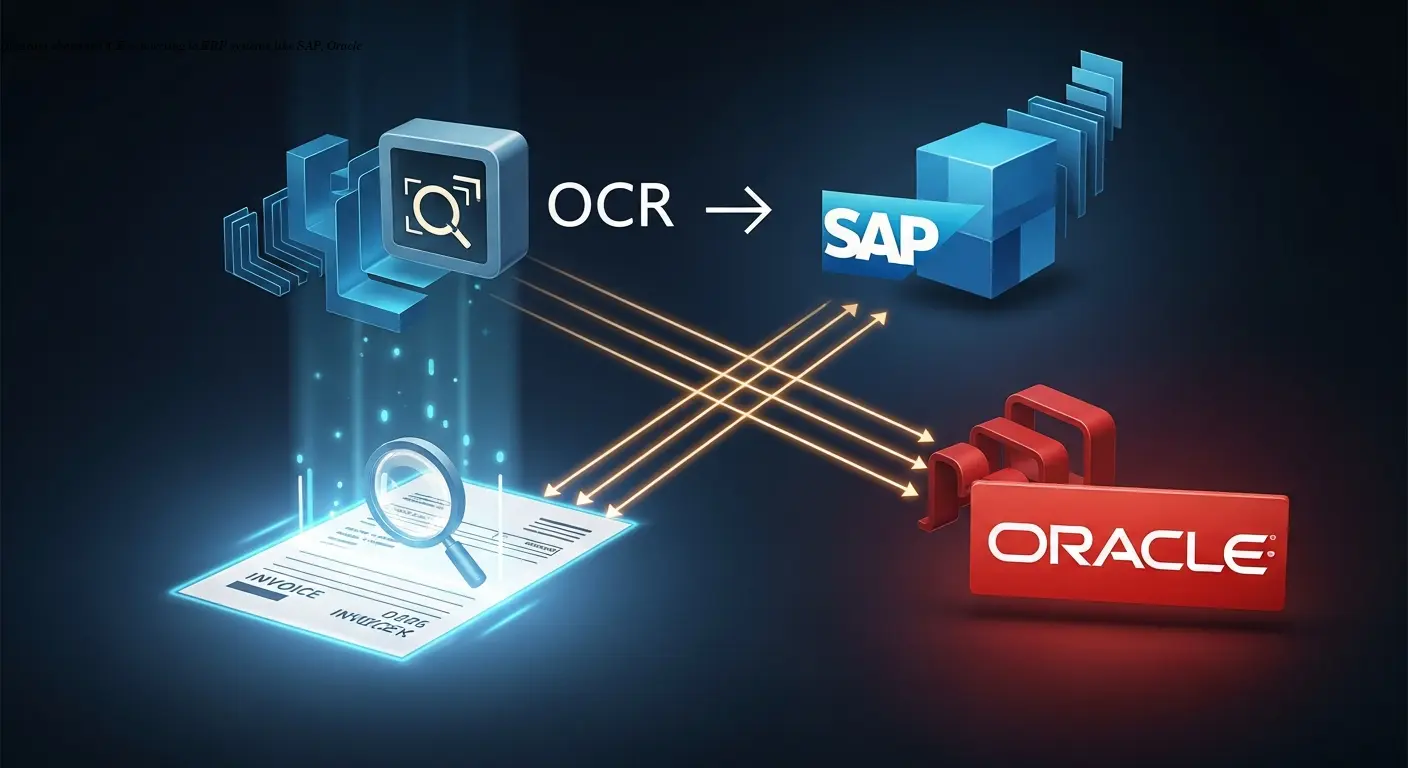
Digitization is most powerful when integrated with your ERP. Our ERP e-invoice integration guide covers SAP, Oracle, Dynamics, and connector options so data flows without manual exports or imports.
Integration validates vendor master data, cost centers, GL accounts, and approval hierarchies. Real-time validation catches errors before they enter financial records, maintaining data integrity.
Most platforms offer pre-built connectors and implementation support; setups often take days or weeks, not months. Bidirectional flows pull vendor and PO data and push back processed invoice data plus approval and payment status, creating a single source of truth.
Cloud-based solutions connect to both on-premise and cloud ERPs, scale with volume, and receive automatic updates for features and compliance—reducing the risk of outdated technology becoming a liability.
Measuring ROI and Business Impact
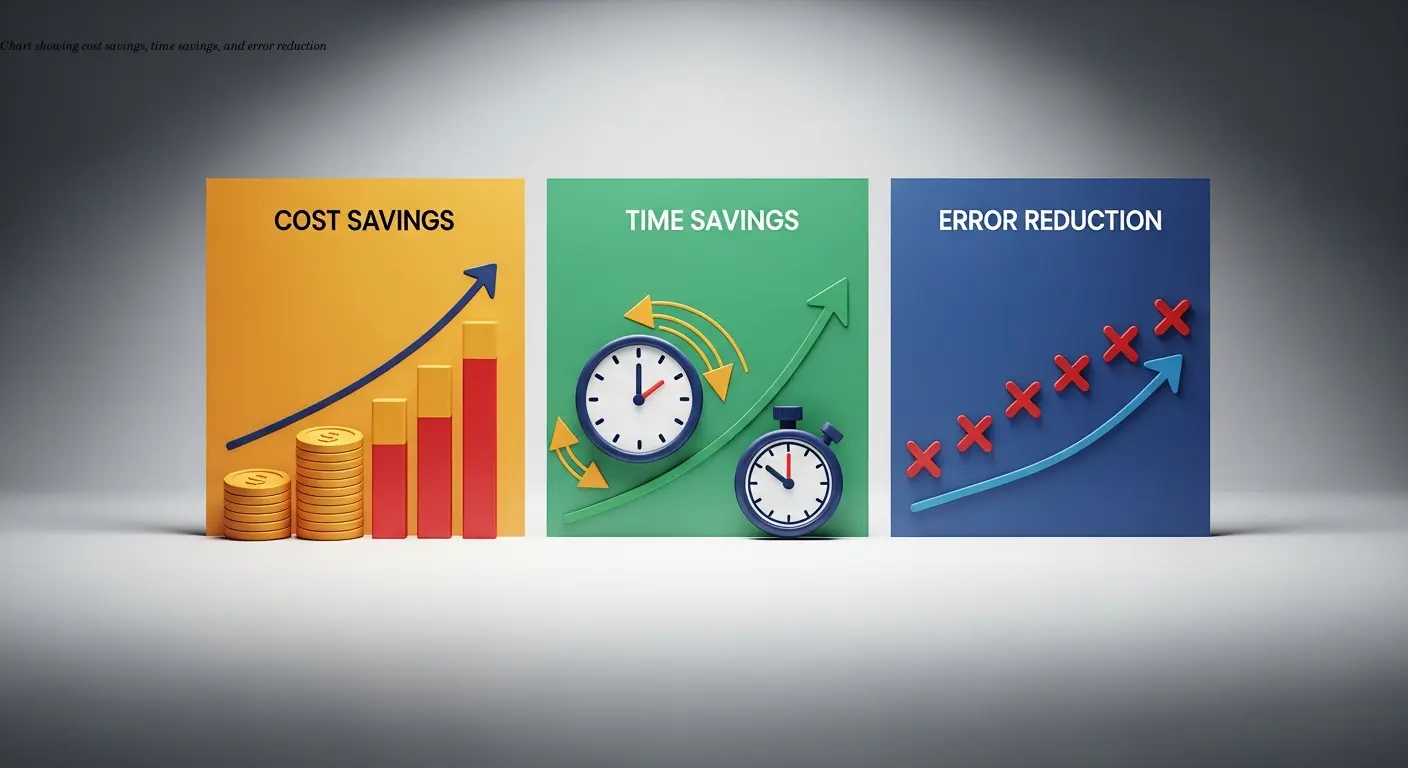
Financial benefits appear quickly. Industry research shows processing costs drop by up to 50%, mainly from reduced manual data entry. But savings go beyond labor:
- Faster processing enables consistent capture of early payment discounts—sometimes enough to recover the OCR investment in year one.
- Error reduction lowers reconciliation effort, dispute resolution, and supplier relationship costs. Duplicate payment prevention can save substantial sums depending on invoice volume.
- Productivity gains let AP teams focus on analysis, negotiation, and working-capital optimization—changing finance from data-entry to strategic roles.
- Risk reduction: fewer fraud opportunities, stronger tax and payment compliance, and audit-ready trails.
Choosing the Right Invoice Digitization Approach
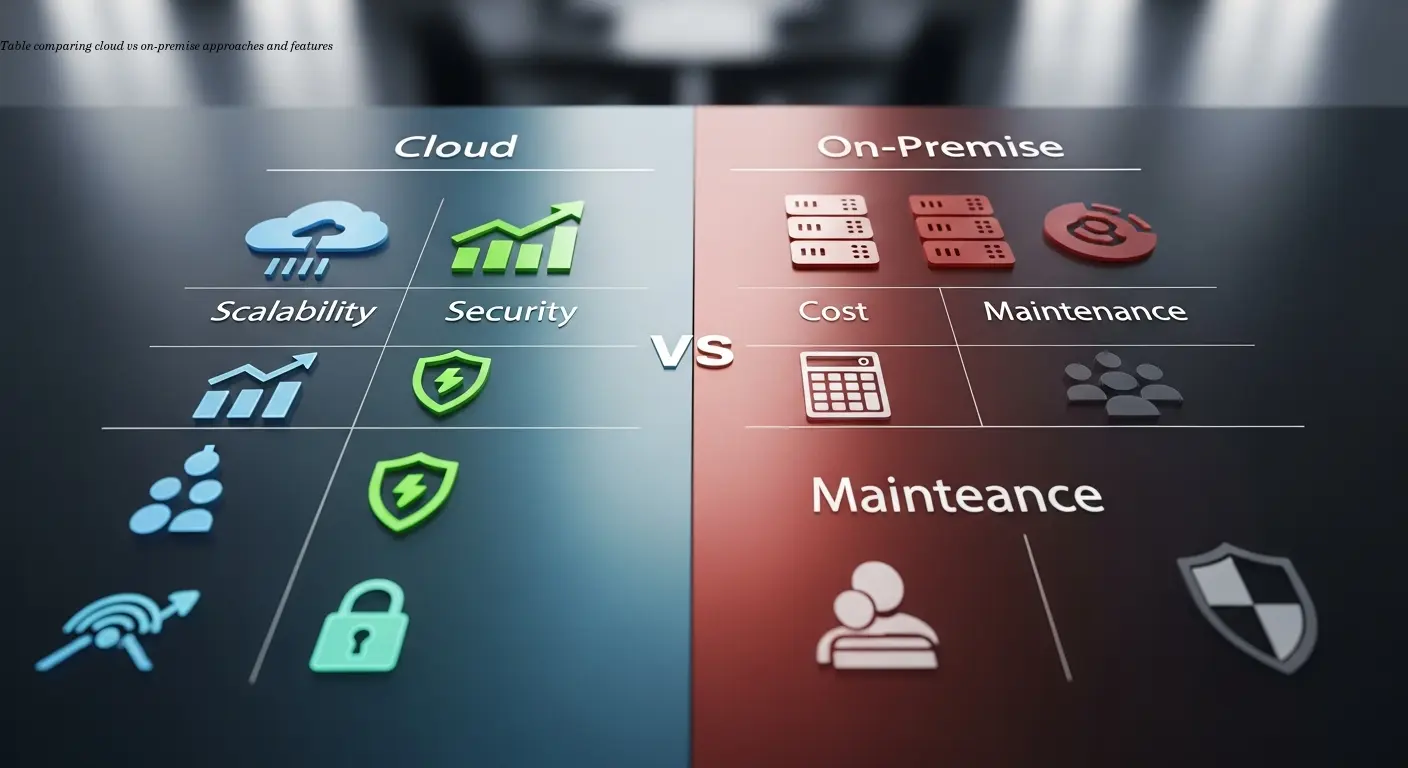
Choose based on volume, complexity, and existing systems. Small businesses may use basic cloud OCR; enterprises require platforms that process thousands of invoices across countries — often via batch e-invoice conversion.
Cloud-based solutions offer lower upfront costs, easy scaling, automatic updates, and faster deployments. On-premise gives more control but requires IT resources for maintenance.
When evaluating vendors, prioritise accuracy over raw speed. Look for demonstrated accuracy rates above 90% and clear machine-learning improvements. Ensure connectors match your ERP stack—native integrations are preferable to costly custom builds.
Start with a pilot: select a supplier subset or single entity, measure outcomes, and refine before scaling. Pilots reduce risk and build internal confidence.
Preparing for Germany's 2027 E-Invoicing Mandate
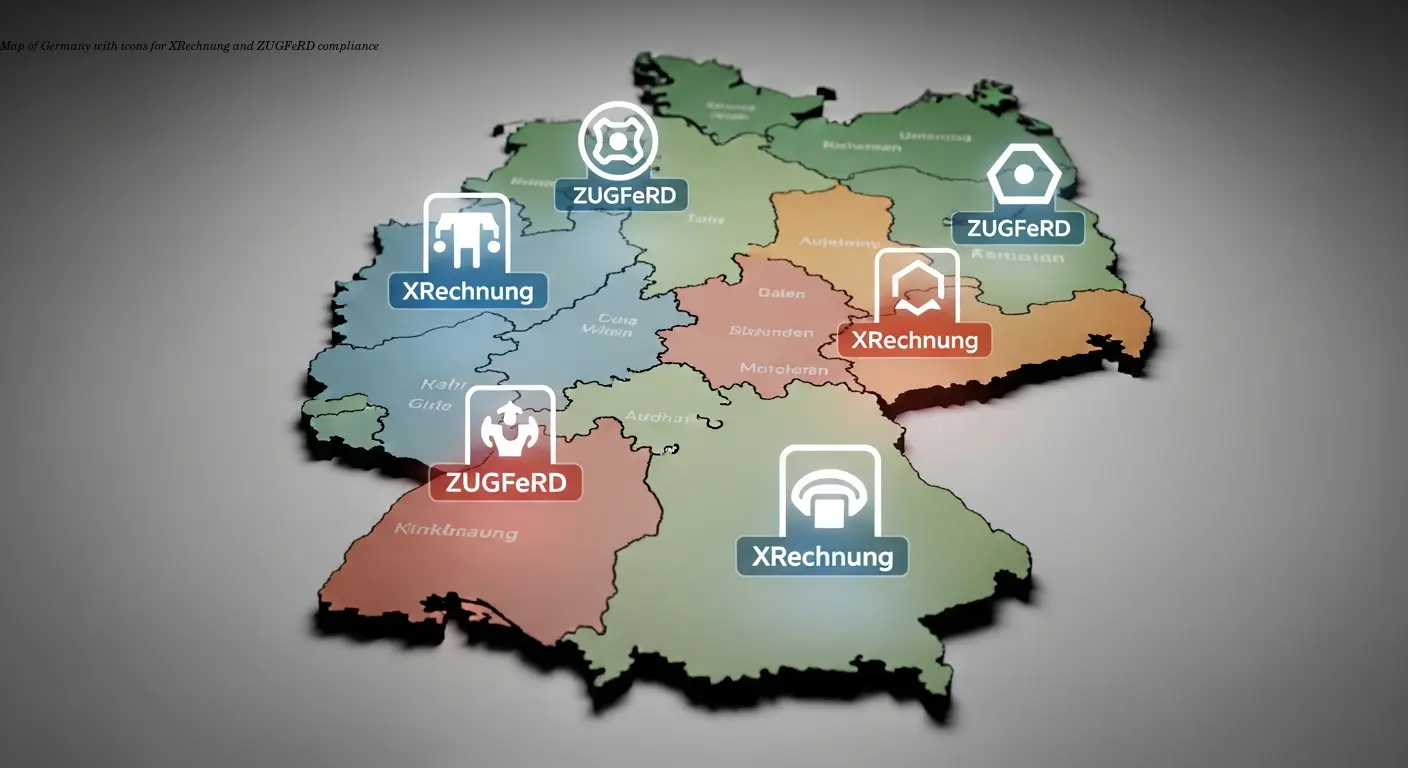
Germany will require structured B2B e-invoices from 2027. This mandates formats like XRechnung or ZUGFeRD, meaning simple PDFs may not comply unless they include required structured data.
Invoice digitization positions you for the transition: systems that extract structured data can validate e-invoices against German standards. Ensure your OCR/vendor supports XRechnung and ZUGFeRD; most providers are adding these capabilities.
Both receiving and sending need attention. Your platform must accept and validate incoming e-invoices and integrate them into AP workflows like scanned invoices. Start early to train suppliers and smooth the transition—three years is ample time to test and adapt.
Viewed positively, the mandate standardises data and speeds processing: e-invoices are already structured and reduce exceptions, enabling faster approvals and improved supplier relationships.
Future Trends in Invoice Digitization
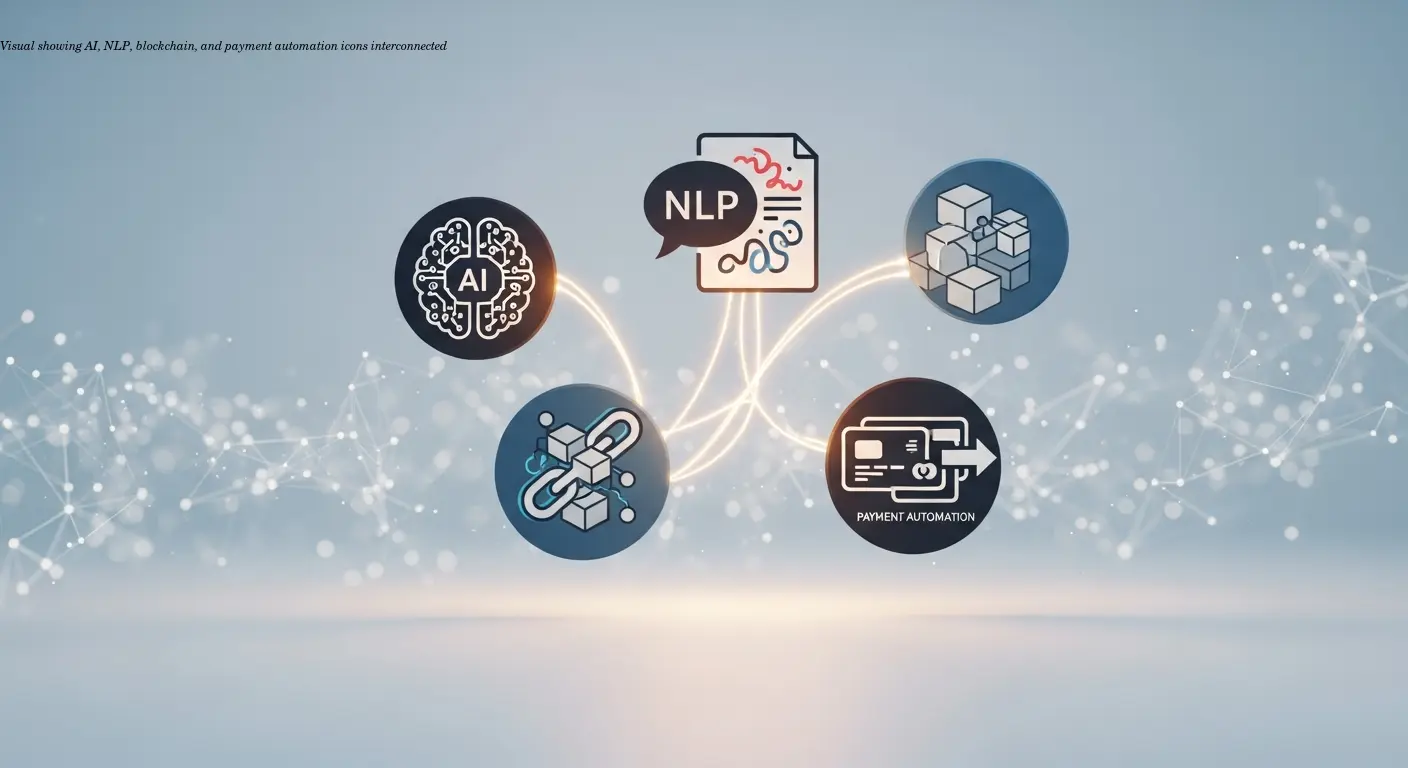
AI continues to push OCR beyond extraction: systems predict approval outcomes, flag suspicious invoices early, and recommend optimal payment timing based on cash-flow and discount opportunities.
Natural language processing allows platforms to interpret notes such as "rush order" or "partial delivery" and route invoices accordingly. Blockchain is emerging for immutable records and fraud prevention, enabling new supply-chain finance options.
End-to-end integration between digitization and payment automation is deepening—covering the entire procure-to-pay cycle and removing handoffs where errors occur. Plan for e-invoice archiving requirements as part of the same workflow.
As OCR accuracy improves with larger datasets, automated processing will likely surpass manual accuracy across most invoice types, accelerating adoption and shifting AP roles toward higher-value work.
FAQ
What is invoice digitization and how does it work?
Invoice digitization uses OCR technology to automatically convert paper and digital invoices into machine-readable data. The system scans or reads invoice documents, extracts key information like amounts and dates, and feeds this structured data directly into your accounting or ERP system without manual typing.
How accurate is OCR for invoices?
Modern OCR for invoices achieves accuracy rates above 90% for most invoice types, with AI-powered systems improving over time. Complex invoices might require some manual review initially, but the systems learn from corrections and become more accurate with each processed invoice.
How much does invoice digitization cost?
Costs vary based on invoice volume and system sophistication. Small businesses might pay $100-500 monthly for basic cloud solutions, while enterprises spend thousands monthly for comprehensive platforms. However, most organizations save 40-50% on processing costs, making the investment worthwhile.
Will invoice digitization work with my existing ERP system?
Most invoice digitization platforms offer pre-built integrations with major ERP systems like SAP, Oracle, NetSuite, and Microsoft Dynamics. Cloud-based solutions typically connect to both on-premise and cloud ERP systems through APIs or standard connectors.
How long does it take to implement invoice digitization?
Implementation timelines range from a few weeks for simple deployments to several months for complex enterprise systems. Cloud-based solutions typically deploy faster than on-premise software. Most organizations start seeing benefits within the first month of operation.
What happens to invoices that OCR can't read accurately?
Exception handling workflows route problematic invoices to trained staff for review and correction. The system learns from these corrections, so the same issues rarely happen twice. Most platforms also flag low-confidence extractions for verification before processing.
Is invoice digitization secure?
Reputable invoice digitization platforms use bank-level encryption, secure data centers, and strict access controls. Cloud providers often exceed the security capabilities of on-premise systems. Look for platforms with SOC 2 certification and compliance with relevant data protection regulations.
Can invoice digitization handle invoices in multiple languages?
Yes, modern OCR for invoices supports dozens of languages and can process multilingual invoices common in international business. The systems recognize different date formats, currencies, and tax structures automatically.
Related articles
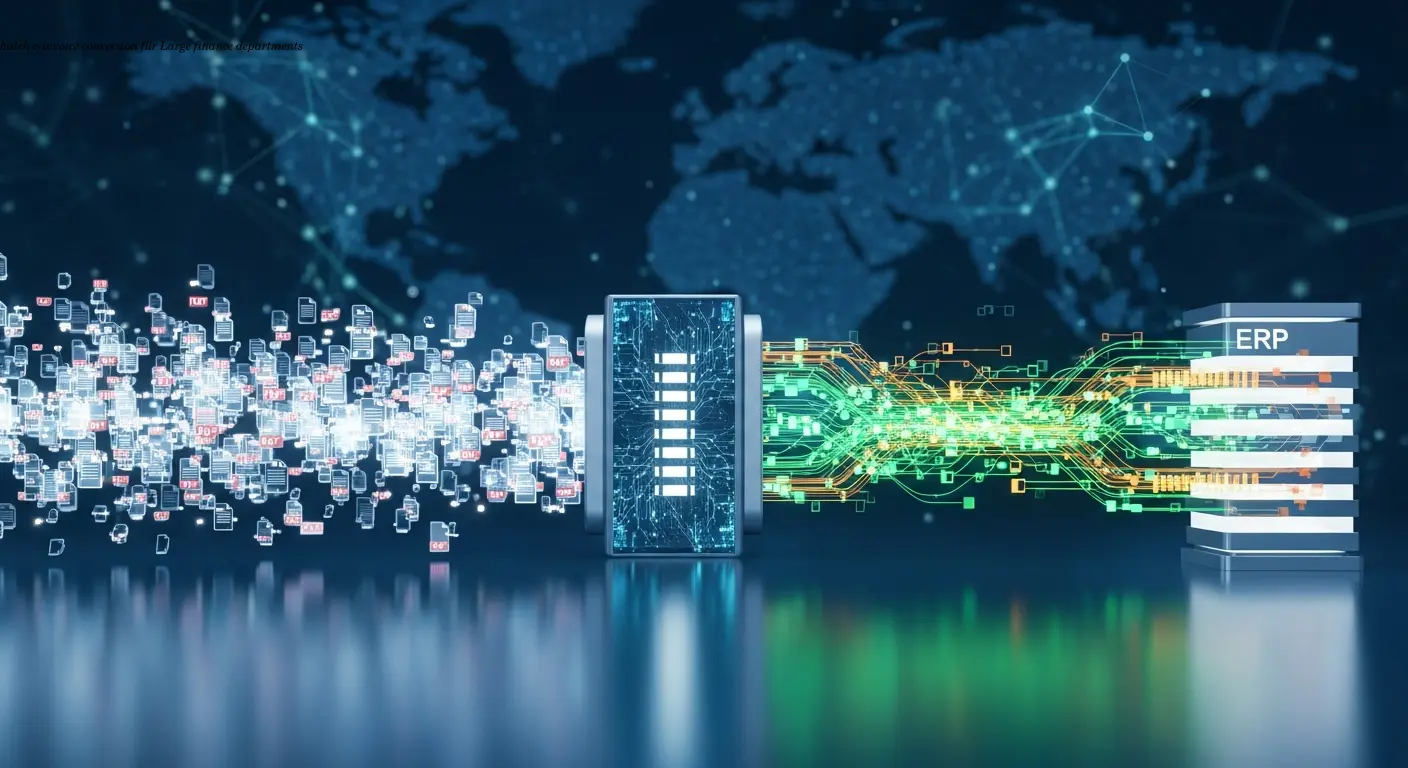
Batch e-invoice conversion guide for finance leaders
Batch e-invoice conversion for large finance teams, automate PDF to XRechnung/UBL, cut data errors to <0.1%, fast-track compliance with AI automation.
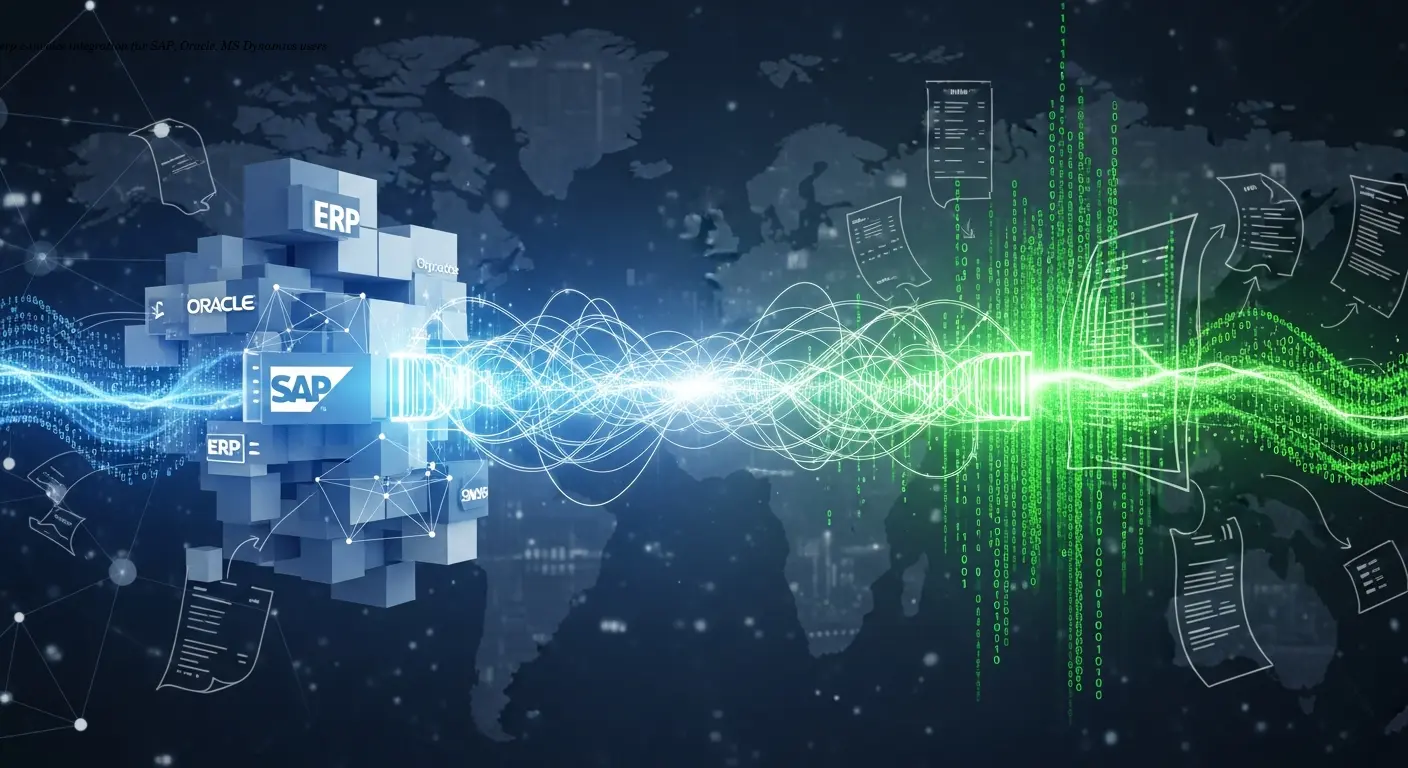
ERP e-invoice integration Practical Guide for SAP Oracle
ERP e-invoice integration best practices for SAP, Oracle and MS Dynamics. Learn compliance, mapping, PEPPOL setup and ROI, backed by AI automation expertise.
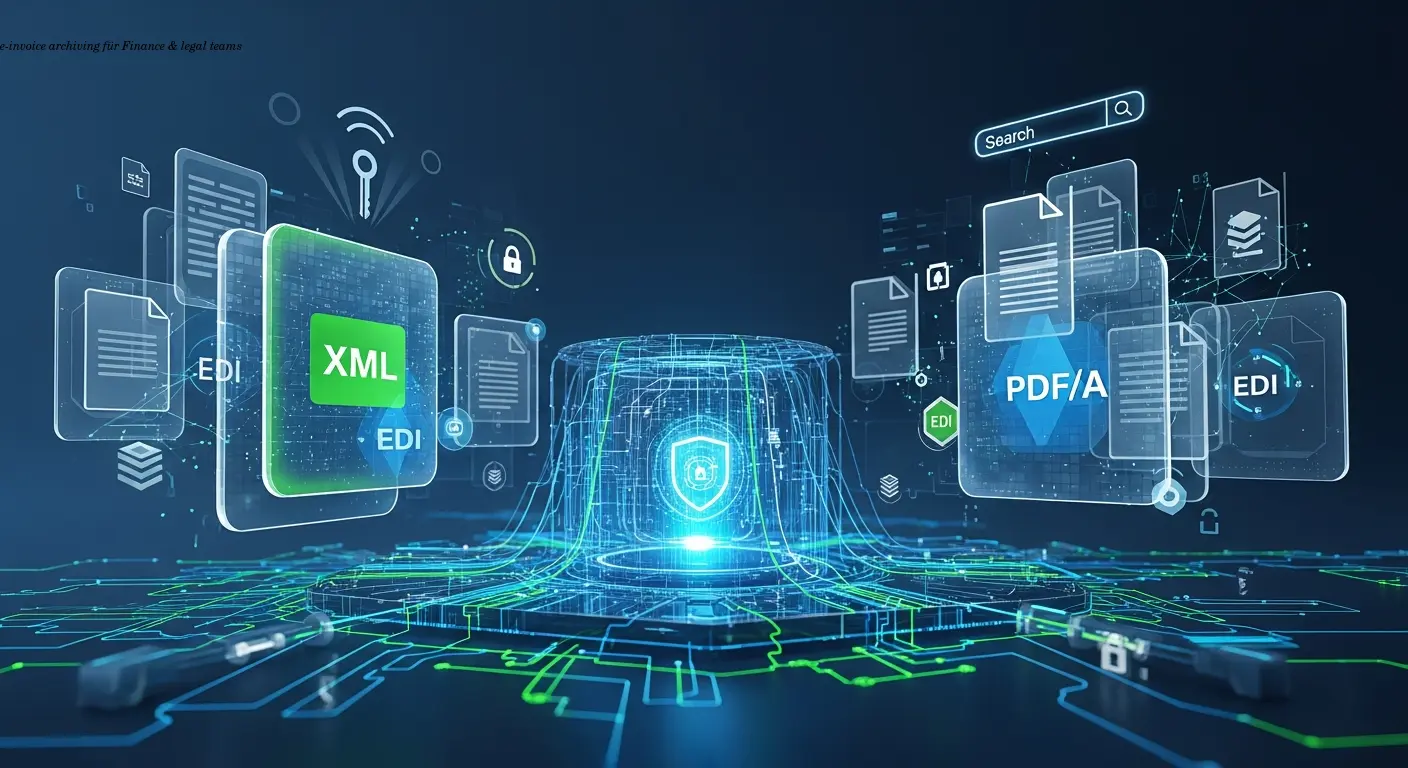
E-invoice archiving compliance guide for finance teams
E-invoice archiving: retention, integrity, metadata and audit readiness for finance teams. Achieve compliant storage with AI automation expertise.
About the author

Alexander Lutsyuk · Founder & Operator
Alexander Lutsyuk is the founder of Algoran and runs E-Rechn.de. He has worked for years in automation, digital content and SEO, currently as an on-page SEO adviser at SEO-Küche Internet Marketing GmbH & Co. KG. With E-Rechn.de he combines hands-on automation expertise with the practical demands of the EU e-invoicing mandate: XRechnung, ZUGFeRD, Factur-X and EN 16931. He holds an M.Sc. from Humboldt University of Berlin and is a BVDW-certified specialist.
Education: Humboldt-Universität zu Berlin
BVDW-certified specialist