
ERP e-invoice integration Practical Guide for SAP Oracle
Integrating E-Invoice Conversion into ERP: A Practical Guide for Enterprise Users
Estimated reading time: 12 minutes
Key takeaways
- ERP e-invoice integration connects systems like SAP, Oracle, or MS Dynamics directly to compliant e-invoicing workflows (XRechnung, ZUGFeRD), removing manual entry and reducing errors.
- Modern integrations automatically convert invoices to required formats and transmit via secure channels such as PEPPOL, supporting upcoming German mandates (receive from 2025, send by 2028).
- Successful automation requires robust data mapping, validation, secure transmission, and GoBD-compliant archiving and audit trails.
- Real-world projects show error reductions up to ~80% and processing time reductions from days to minutes, with ROI typically within 12–18 months for high-volume users.
- Choose the right approach—native ERP modules, middleware, or external conversion tools—based on ERP version, transaction volume, and regulatory needs.
Understanding ERP E-Invoice Integration Basics
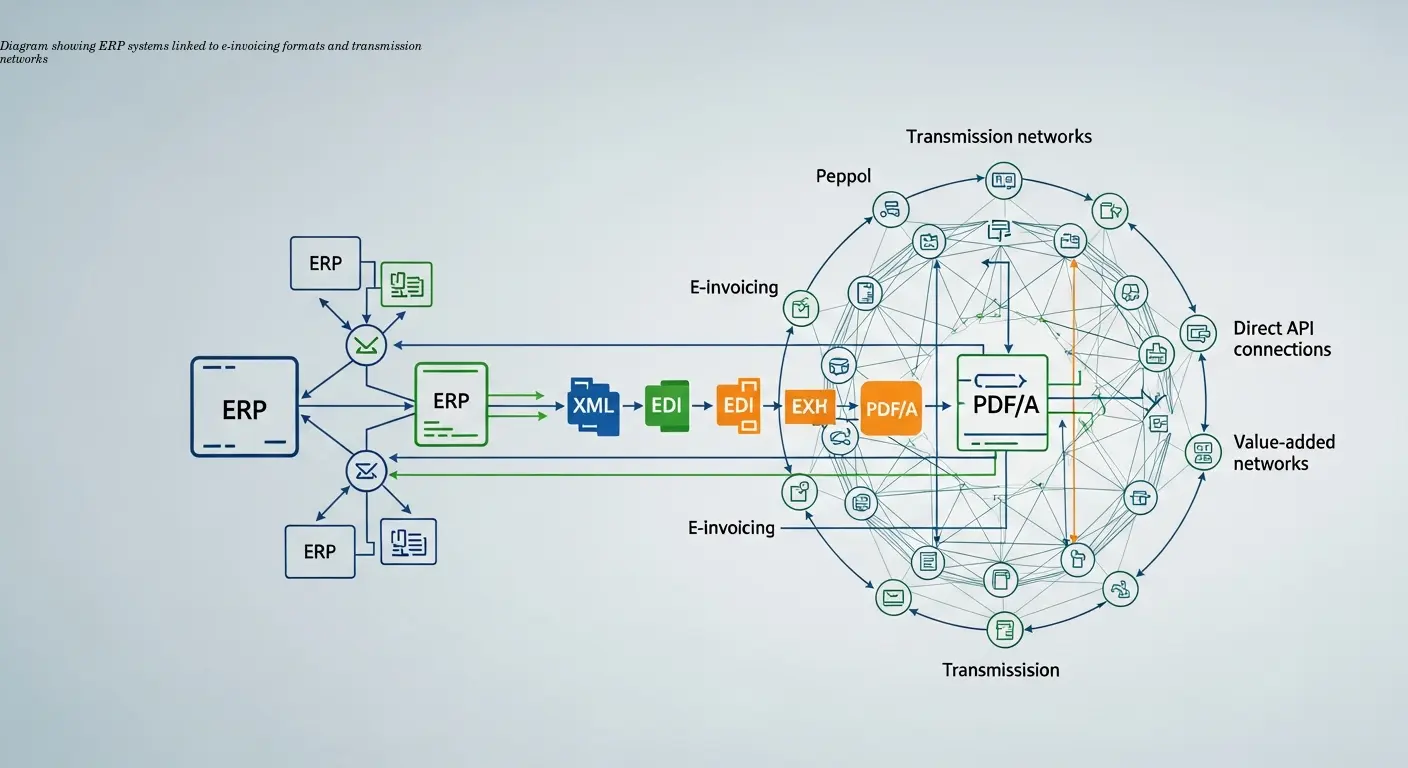
ERP e-invoice integration creates a digital bridge between your core ERP (SAP, Oracle, MS Dynamics) and the structured, legally compliant formats required for electronic invoicing across Europe. Historically, invoices were exported as PDFs and re-entered manually by recipients; integration eliminates that manual loop by producing structured data that other systems can ingest directly.
Typically the flow is: the ERP generates invoice data → an integration layer converts data to formats such as XRechnung (XML) or ZUGFeRD (PDF + embedded XML) → secure transmission (often via the PEPPOL network). The German mandate—receive from 2025, send from 2028—makes this architecture a compliance imperative for B2B transactions.
How Invoice Data Flows Through Integrated Systems
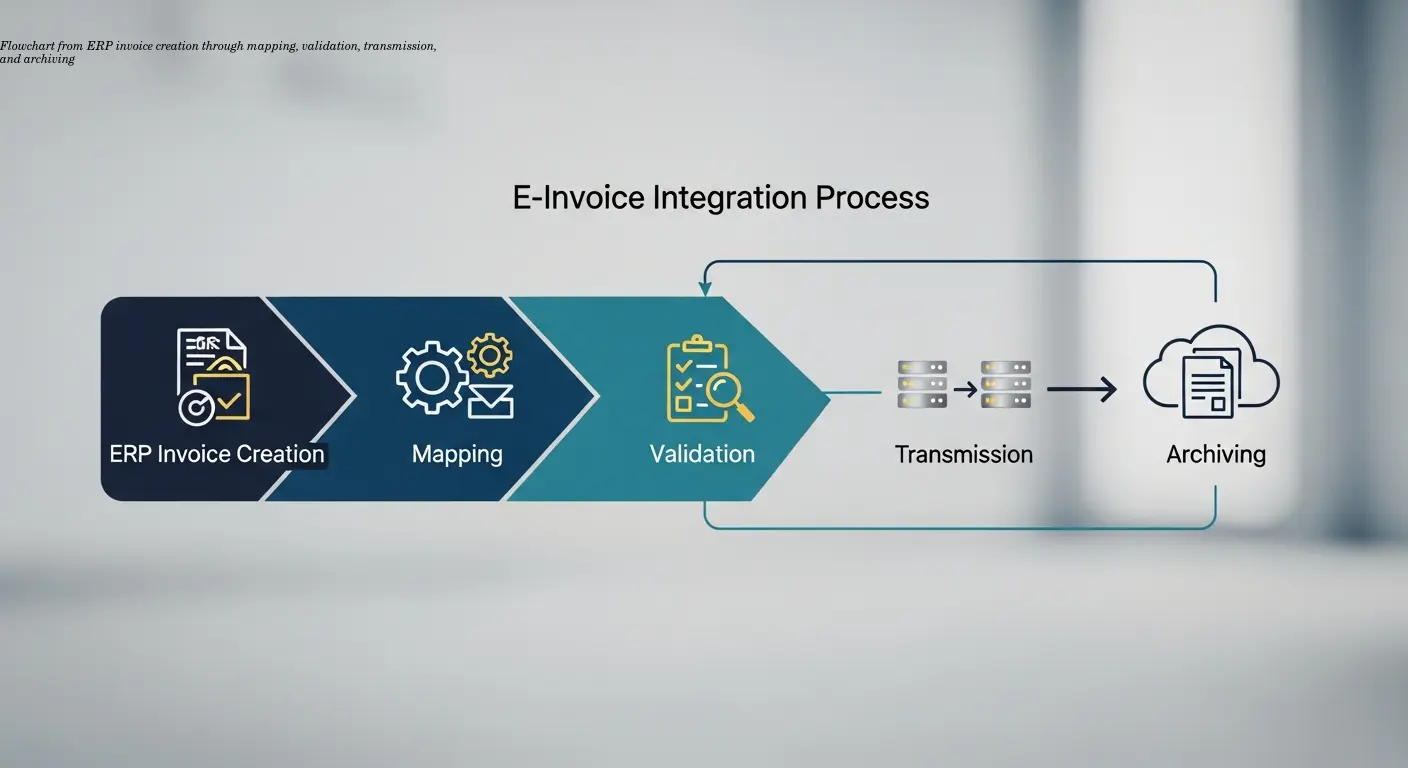
When a transaction completes in the ERP, an internal invoice document is generated using master data (customer, tax, product). An integration module extracts the relevant fields and maps them to the e-invoice schema. For ZUGFeRD, both a readable PDF and a matching XML are produced; XRechnung is XML-only. Accurate mapping is critical: mismatches or missing mandatory fields will cause validation failures.
Validation checks—VAT format, mandatory fields, arithmetic consistency—are performed before transmission. If the recipient is reachable via PEPPOL, the invoice is routed through access points; otherwise, alternative channels (email with attachment, e-invoice API for developers) are used. In practice, companies processing high volumes (for example, 500 invoices/day) move from multiple full-time staff on data entry to a single person managing exceptions after automation.
Compliance Requirements You Can't Ignore
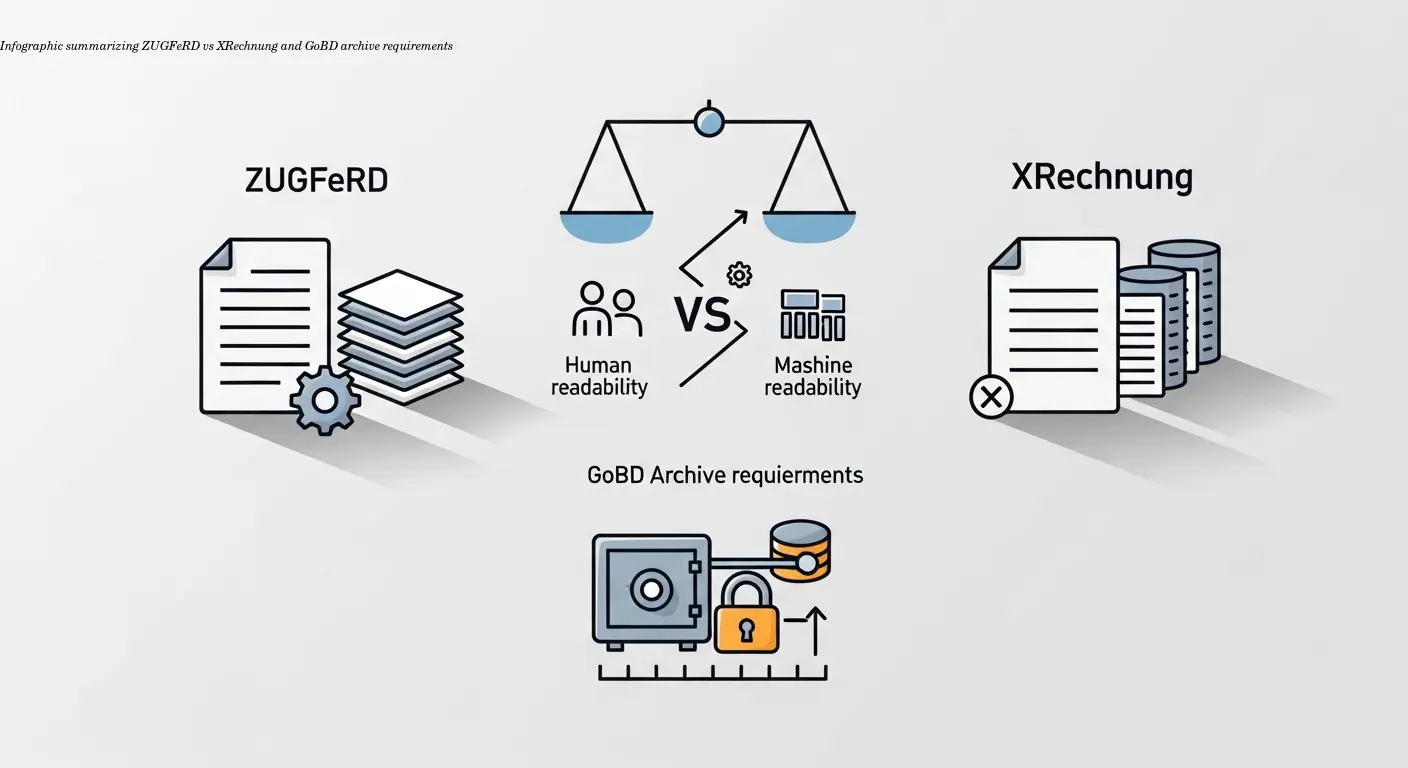
Germany recognizes two primary standards for B2B e-invoicing: ZUGFeRD (PDF + embedded XML) and XRechnung (XML). Your integration must produce legally valid files in one of these formats. Custom formats will not satisfy legal definitions and can trigger audits.
Digital signatures (qualified e-signatures per eIDAS) are required in certain scenarios and recommended for audit protection. GoBD rules mandate storing invoices in original electronic format, protecting against manipulation, ensuring searchability, and retaining records for the required retention period (commonly 10 years). Detailed audit trails are essential (creation, transmission, approvals, modifications).
Not archiving XML alongside PDFs caused one client to fail an audit; reconstructing an archive was expensive and time-consuming.
Choosing Integration Methods for Your ERP System
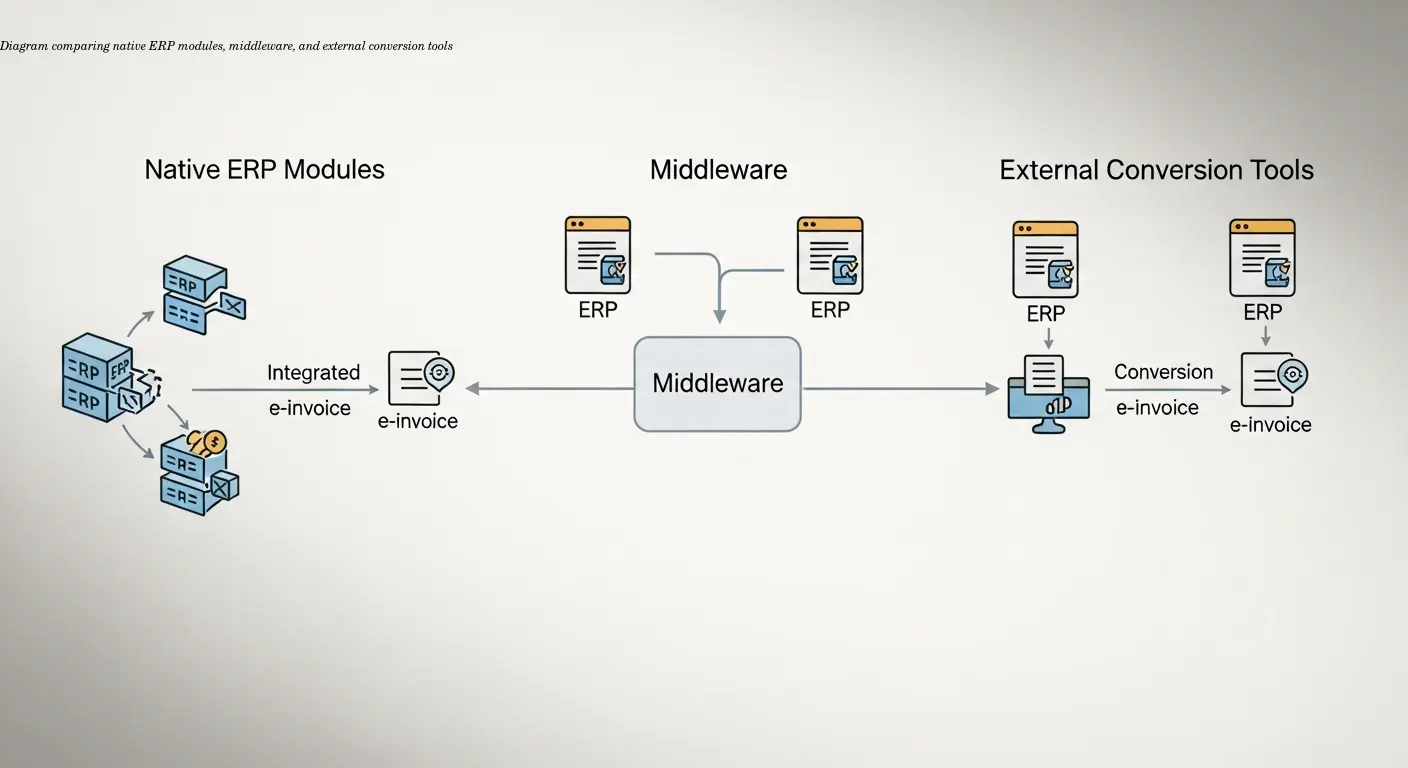
Native ERP modules (e.g., SAP S/4HANA, Oracle Fusion) provide the tightest integration but are available only in current ERP versions. Middleware platforms bridge older ERPs (SAP ECC, Oracle E-Business Suite) to modern e-invoicing needs by extracting invoice data, converting formats, and handling transmission. External conversion tools let you export invoices and convert/transmit externally—useful for low-volume or interim compliance solutions. Tools that specialize in format conversion—such as e-rechn.de—can generate compliant ZUGFeRD or XRechnung files from ERP exports without deep system changes.
SAP implementations typically involve configuring output determination, CPI (SAP Cloud Platform Integration), and e-document cockpit. Oracle Fusion uses an E-Invoicing Hub with legal entity and tax setup. Middleware typically connects through IDocs, APIs, or file-based exports.
Implementing ERP Invoice Automation Successfully
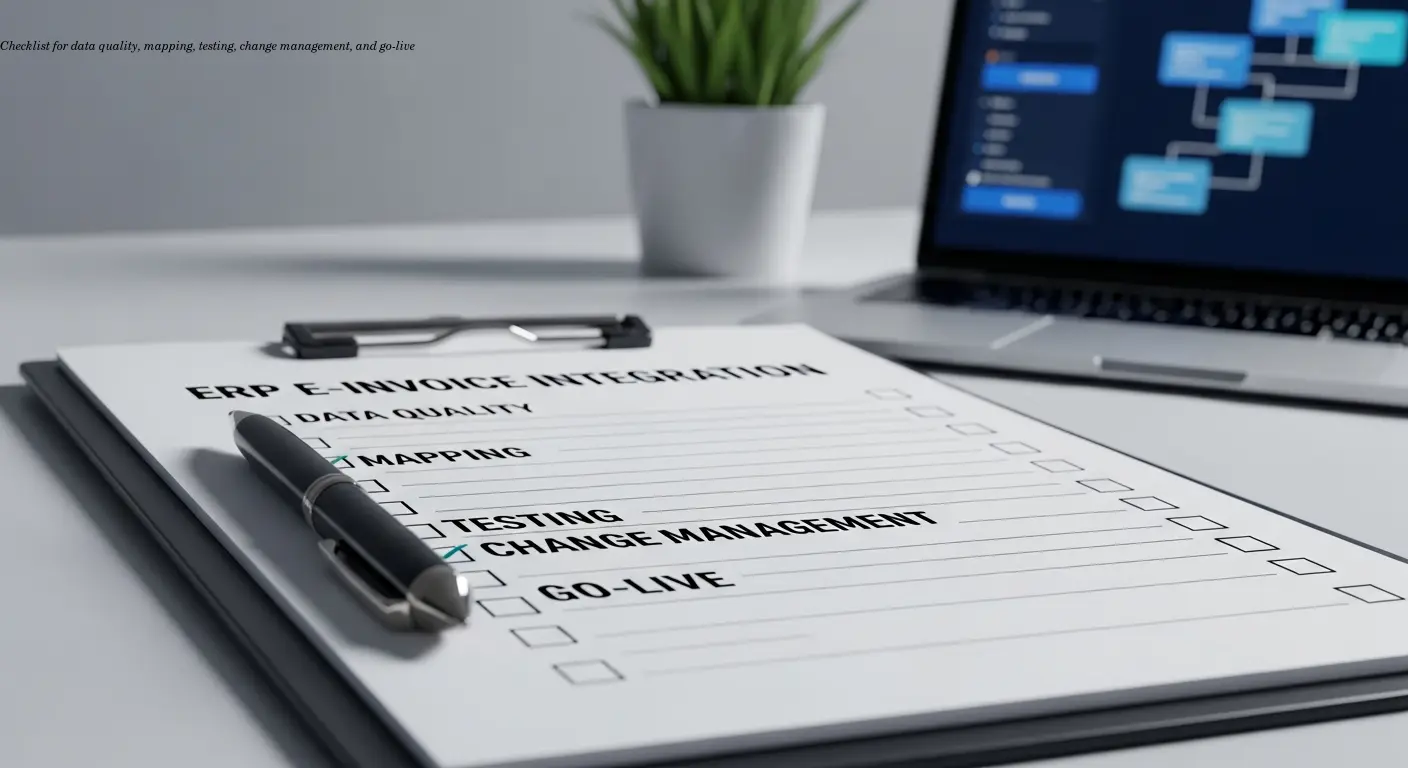
Start with a data quality assessment—missing VAT IDs, inconsistent addresses, or product tax codes will derail configuration and validation. Document the mapping from ERP fields to e-invoice fields; for XRechnung this may involve over 100 elements (not all mandatory).
Testing follows a phased approach: unit tests, integration tests (full flow through conversion and transmission), and user acceptance testing with realistic transactions. PEPPOL access points typically provide test environments. Change management is essential—finance teams move from creating invoices to monitoring exceptions and resolving errors.
A common rollout strategy is limited scope: begin with high-volume, standardized invoice types and a subset of customers, then extend to complex scenarios. Define error handling workflows (notifications, owners, SLAs) before going live.
Real-World Benefits and ROI Considerations
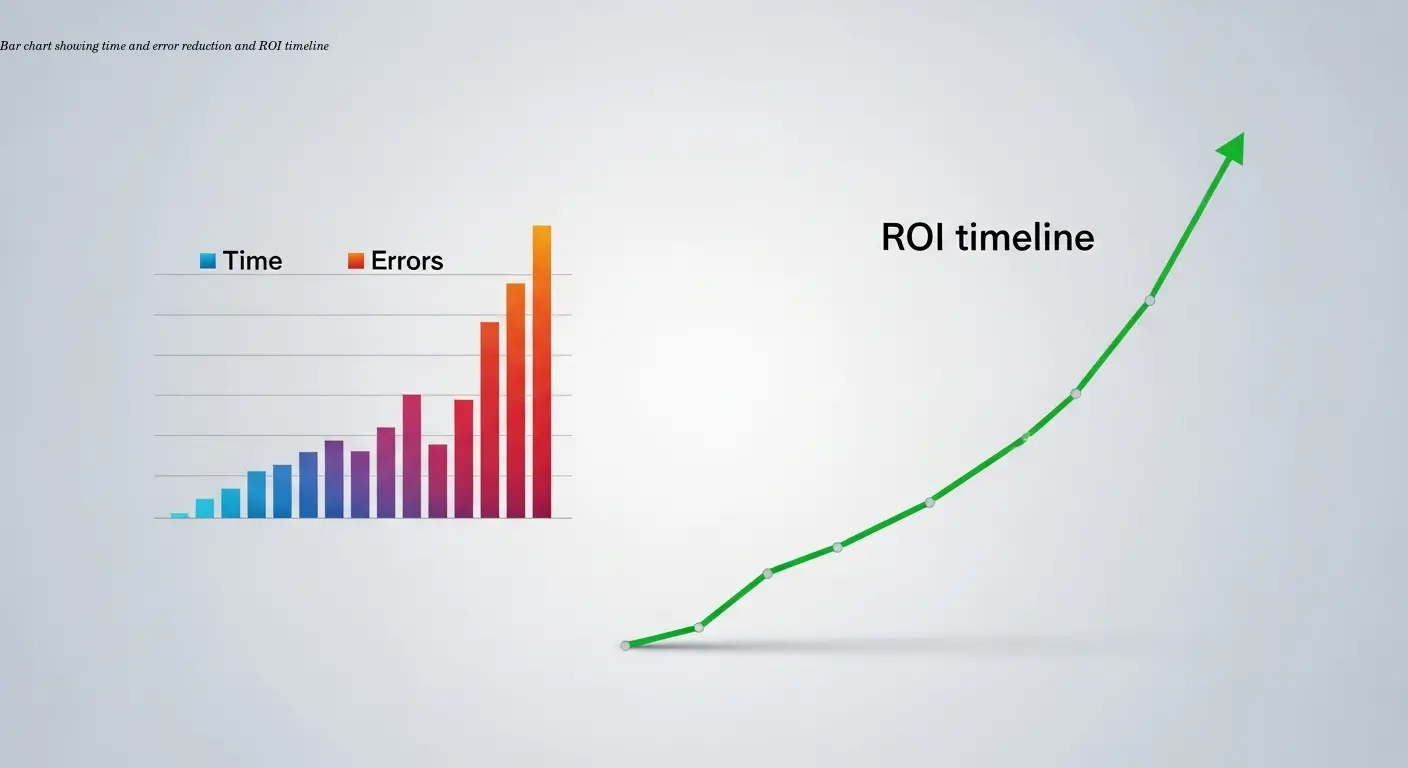
Benefits include:
- Processing time reduction: from days to minutes—significant labor savings at scale.
- Error reduction: automated creation from validated master data eliminates most manual-entry mistakes.
- Cash flow improvement: faster delivery and automatic import by customers accelerate payment by ~5–10 days on average.
- Compliance risk reduction: automated audit trails, format compliance, and secure archiving minimize audit exposure.
Implementation costs vary: small deployments €10k–€30k; mid-market SAP/Oracle projects €50k–€200k. Typical payback is 12–18 months for organizations processing more than ~1,000 invoices monthly.
Addressing Common Integration Challenges
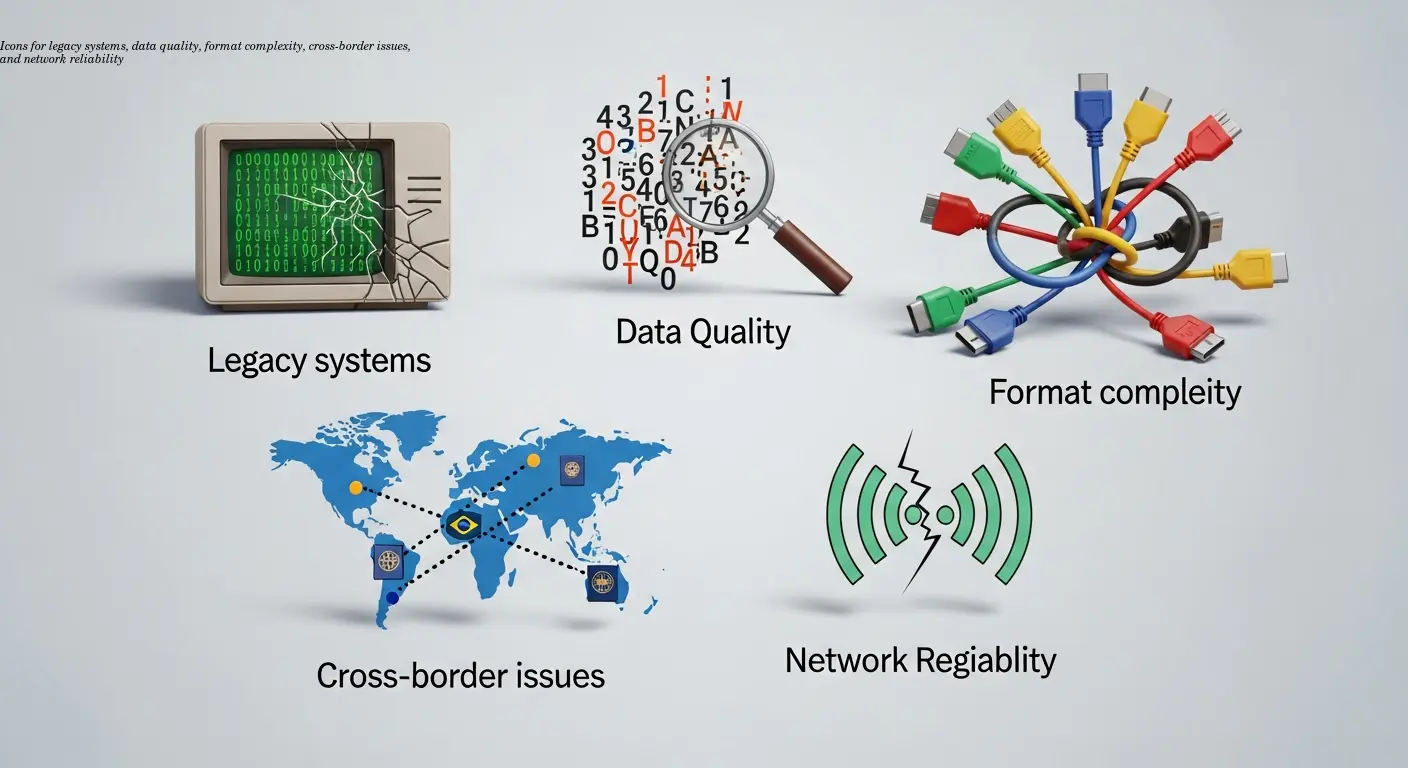
Common issues include legacy ERP limitations (no native e-invoicing), data quality gaps, ZUGFeRD format complexity (matching PDF and XML calculations), cross-border variations across EU countries, and intermittent network or PEPPOL connectivity. The most successful projects dedicate internal resources who understand both ERP and e-invoicing rules to speed troubleshooting.
Future-Proofing Your E-Invoice Integration
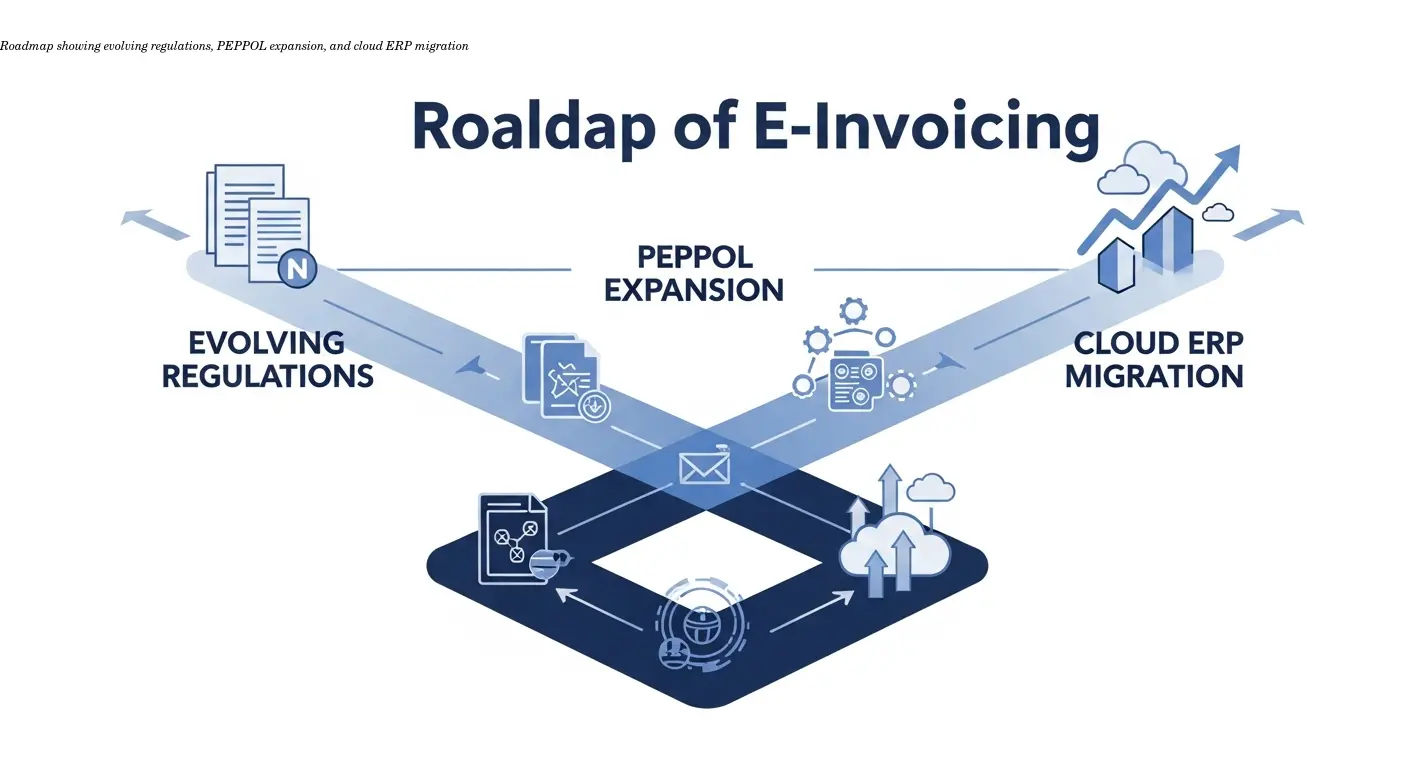
Design with adaptability: anticipate real-time reporting requirements, format evolution (EN 16931 updates), and the expansion of PEPPOL to more document types. Favor standard APIs, configurable mappings, and avoid hard-coded customizations. Consider keeping conversion capabilities outside the ERP as a flexible fallback and evaluate cloud ERP options for easier future updates.
Frequently Asked Questions
What's the difference between e-invoicing integration and basic invoice automation?
Basic invoice automation usually generates PDFs and emails them. E-invoicing integration produces structured formats (XRechnung, ZUGFeRD), transmits them through standardized channels, and ensures regulatory compliance including archiving and audit trails.
Can I implement e-invoice integration without upgrading my ERP system?
Yes. Middleware or external conversion tools can connect to legacy ERPs via IDocs, APIs, or file exports to produce compliant e-invoices. Native ERP support is preferable when available but not required for compliance.
How long does a typical ERP e-invoice integration project take?
A mid-sized implementation typically runs 3–6 months including data cleanup, configuration, testing, and phased rollout. Complex multi-entity or legacy scenarios can extend to 9–12 months.
Do all my business partners need to be on PEPPOL for this to work?
No. PEPPOL is one transmission method. You can send e-invoices via PEPPOL, email attachments, direct APIs, or other EDI channels. Support multiple channels to cover all trading partners.
What happens if my ERP-generated e-invoice fails validation?
Validation failures should be caught pre-transmission. Your integration should notify responsible users with clear error messages and allow correction and resubmission through a defined exception workflow.
How much does ERP e-invoice integration typically cost?
Costs range from €10k–€30k for small external-tool-based setups to €50k–€200k for enterprise SAP/Oracle projects. Budget ongoing maintenance at roughly 15–20% of implementation costs annually.
Is cloud-based or on-premise integration better for e-invoicing?
Cloud solutions offer easier updates and scalability; on-premise provides more data control. Many organizations use hybrid models—cloud for conversion/transmission, on-premise for core ERP—based on security and residency needs.
Related articles
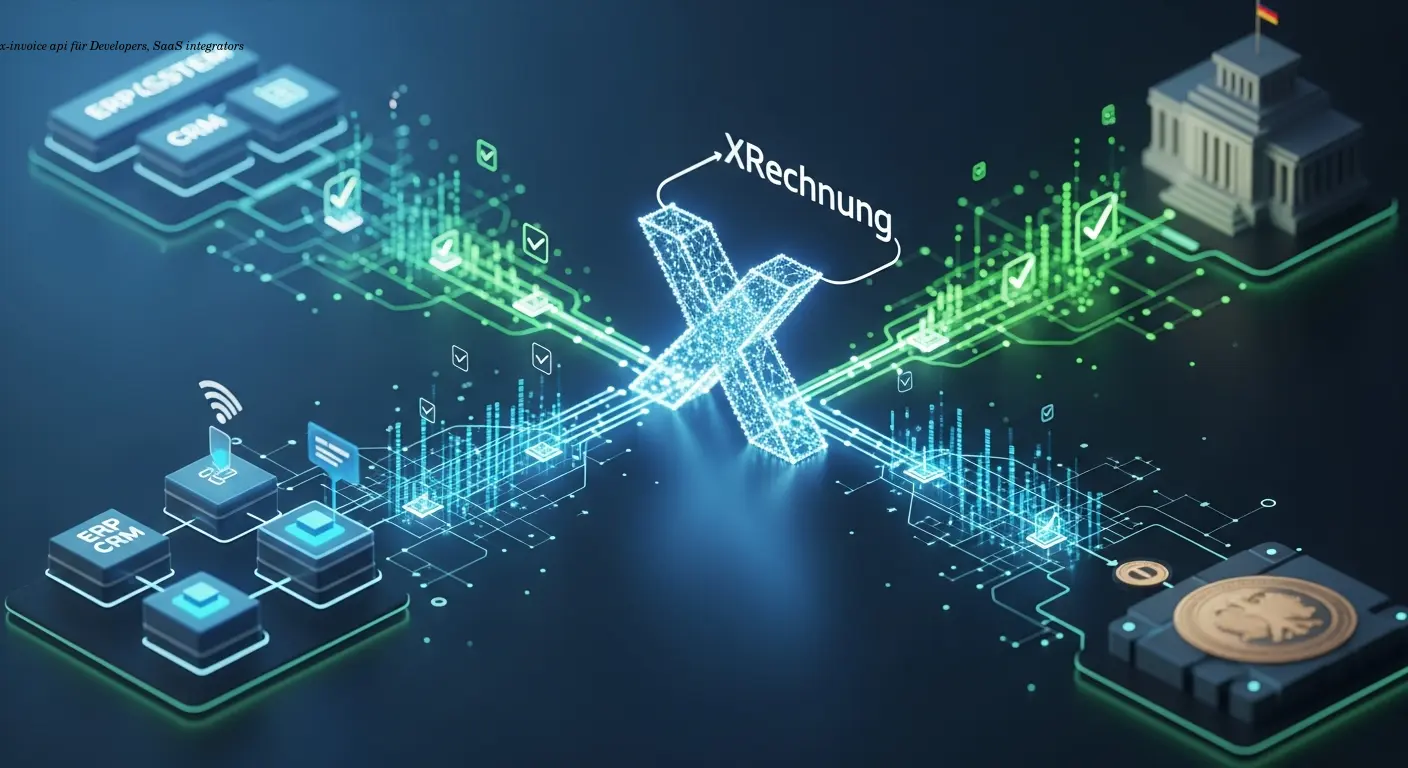
x-invoice api Guide for Developers and SaaS Integrators
Practical x-invoice api guide to generate XRechnung XML, validate compliance, and integrate with ERP or Peppol. Trusted automation expertise for developers.
About the author

Alexander Lutsyuk · Founder & Operator
Alexander Lutsyuk is the founder of Algoran and runs E-Rechn.de. He has worked for years in automation, digital content and SEO, currently as an on-page SEO adviser at SEO-Küche Internet Marketing GmbH & Co. KG. With E-Rechn.de he combines hands-on automation expertise with the practical demands of the EU e-invoicing mandate: XRechnung, ZUGFeRD, Factur-X and EN 16931. He holds an M.Sc. from Humboldt University of Berlin and is a BVDW-certified specialist.
Education: Humboldt-Universität zu Berlin
BVDW-certified specialist