Create Factur-X Invoices for German & French Firms
Factur-X to Factur-X Conversion Guide: How to Create Compliant E-Invoices
Estimated reading time: About 7 minutes
Key takeaways
- Factur-X is a hybrid e-invoice combining a human-readable PDF with an embedded machine-readable XML.
- Factur-X requires a PDF/A-3 file with embedded EN 16931-compliant XML (factur-x.xml filename required).
- The format is mandatory for B2B and B2G transactions in France and Germany.
- There are multiple tools and libraries (online converters, iText, Document .Net, Apryse) to automate conversion.
- The embedded XML enables automatic accounting imports, saving time and reducing errors.
Table of contents
- Understanding the Factur-X E-Invoice Format
- Why Shop Owners Need to Create Factur-X Invoices
- Preparing Your PDF Invoice for Conversion
- Creating the XML Invoice Data
- Embedding XML into Your PDF
- Available Tools to Create Factur-X Files
- Validating Your Factur-X Invoices
- Best Practices for Shop Owners
- Frequently Asked Questions
Understanding the Factur-X E-Invoice Format
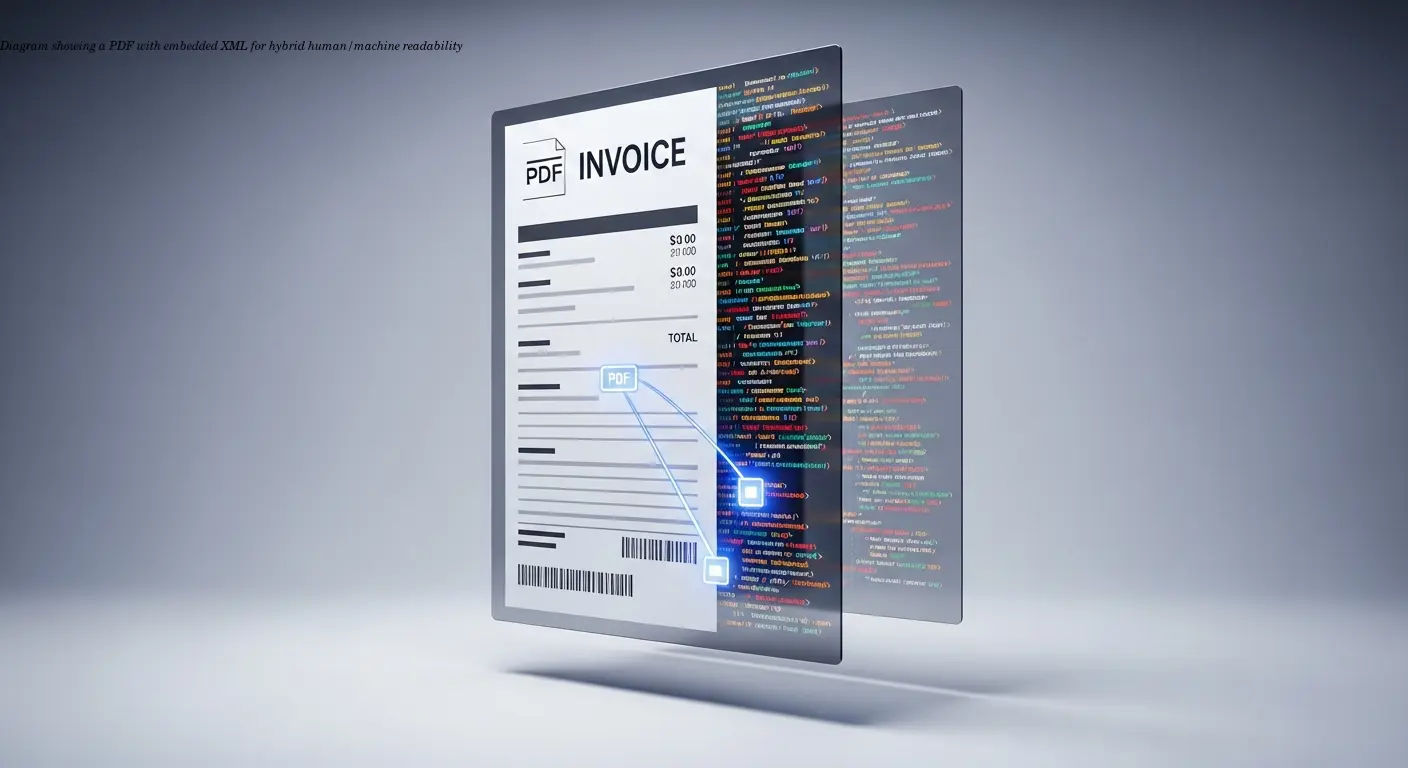
Factur-X answers a clear business need: invoices must be readable by people and processable by machines. Traditional PDFs are visually friendly but require manual entry; pure XML is perfect for automation but lacks readability. Factur-X combines both: a standard PDF readable by anyone, plus an embedded XML file that accounting systems can import automatically.
Built on the German ZUGFeRD standard and using PDF/A-3 as its foundation, Factur-X also supports long-term archiving. For a full Factur-X vs XRechnung comparison, see our format guide. It aligns with the EN 16931 semantic data model, making it interoperable across EU member states.
"I saw a colleague's invoice processed automatically by his accounting software — item numbers, prices, VAT rates were all extracted instantly."
Why Shop Owners Need to Create Factur-X Invoices

The principal driver is legal compliance. France and Germany require Factur-X for B2B and B2G invoicing. For appliance retailers selling across borders, this is not optional: non-compliance can cause penalties or payment delays.
- Automation benefits: Customers' accounting systems import invoices automatically, speeding payments and reducing disputes.
- Interoperability: Most modern ERP systems in France and Germany already support Factur-X, smoothing integration with your customers.
- Error reduction: Embedded XML removes data-entry mistakes like transposed numbers or missing VAT lines.
From practical experience, retailers adopting Factur-X reported faster payments and fewer corrections. One distributor cut average payment time by nearly a week after switching.
Preparing Your PDF Invoice for Conversion
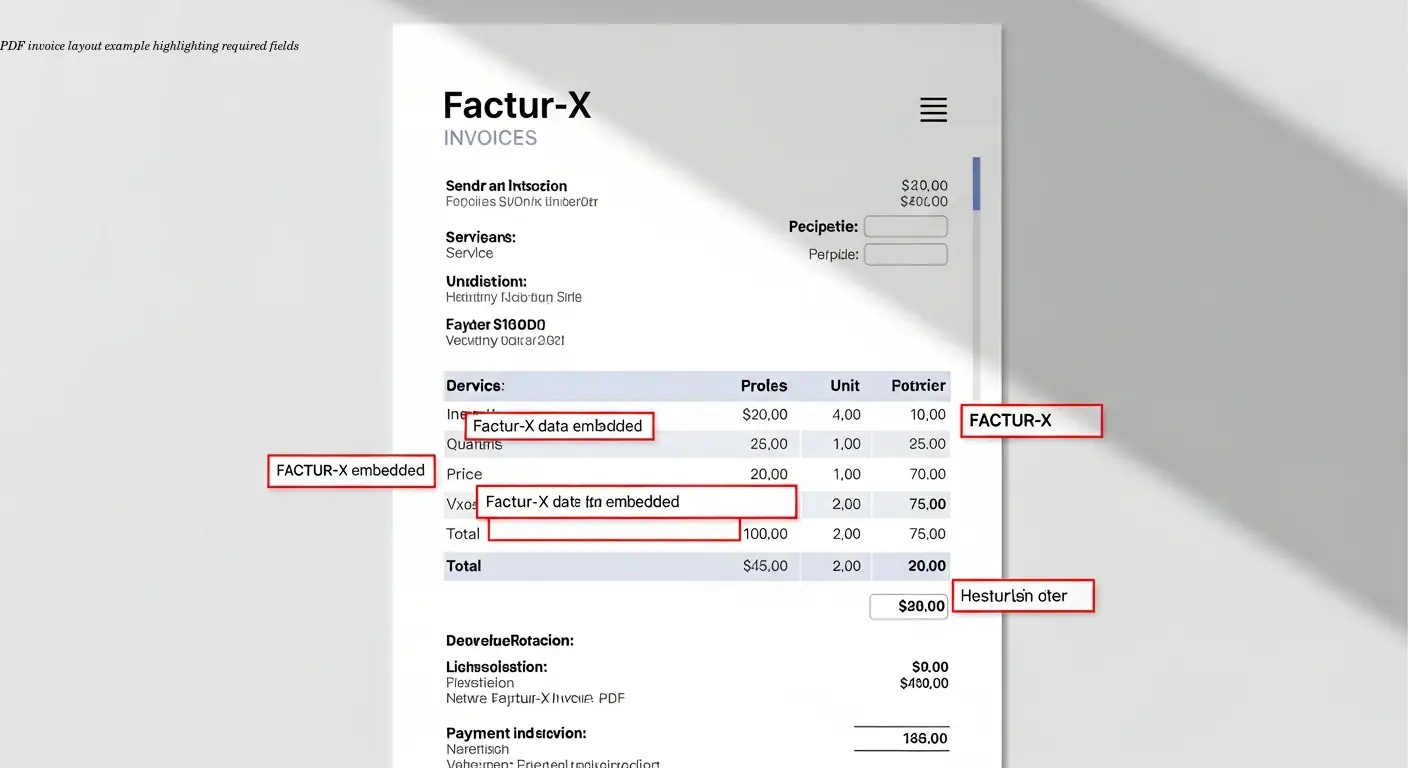
Before conversion, ensure your base PDF is compliant with PDF/A-3. Regular PDFs lack the necessary structures for embedding files. The PDF must include complete invoice details: seller and buyer information, invoice number and date, line items with descriptions, quantities, unit prices, VAT rates, and totals.
Layout matters less than completeness: fonts and logos don't affect compliance, but missing VAT breakdowns or incomplete addresses will.
Avoid PDF security settings that block attachment embedding. Test the PDF across multiple readers and verify that amounts and VAT display correctly — catching issues early prevents conversion failures.
Creating the XML Invoice Data
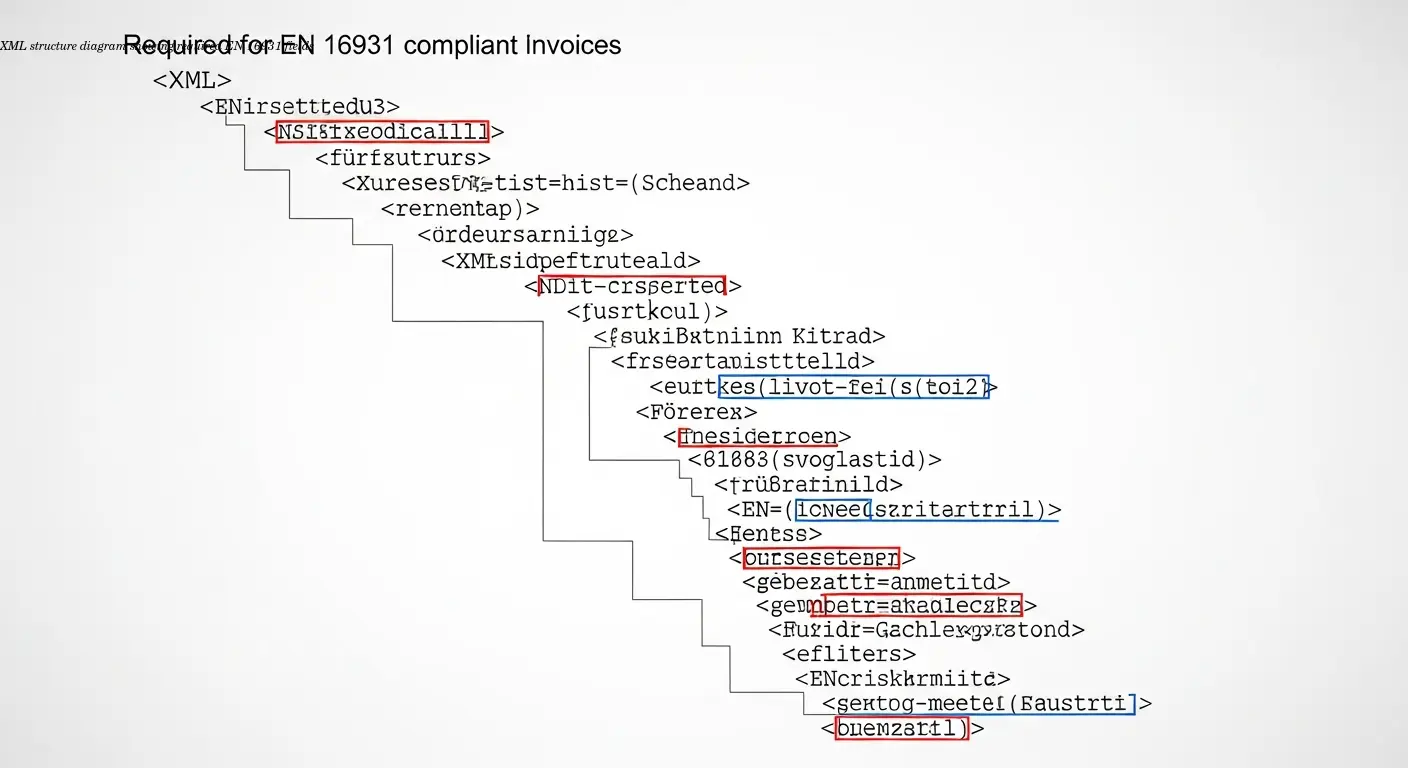
The XML carries the structured invoice data and must conform to the EN 16931 semantic rules. The schema is specific about element names, data types, and mandatory fields:
- Invoice number and issue date
- Seller and buyer identification, including VAT numbers
- Line item details: description, quantity, unit price, VAT rate
- Currency and payment terms
The XML filename must be factur-x.xml. This exact name is required by validators; misnaming the file will cause rejections even if the content is correct.
How you generate XML varies: many accounting systems automate it, while others need external converters or libraries. Automation drastically reduces errors — manual XML editing is error-prone and time-consuming.
Embedding XML into Your PDF

Embedding the XML requires attaching it at the PDF document level using the PDF catalog's /AF key. This is a technical embedding — not the same as attaching files to an email.
You generally need specialized software or libraries for embedding. Common options:
- Developer libraries: iText (Java/.NET), Document .Net, Apryse SDK
- Professional tools: Callas PDFToolbox for desktop or batch processes
- Online converters: Easy for non-developers
Metadata (XMP) must identify the PDF as Factur-X so receiving systems will detect and process the embedded XML. Maintain PDF/A-3 compliance during embedding — conversion tools that preserve or produce PDF/A-3 are recommended.
Available Tools to Create Factur-X Files
Tool choices range from simple online converters to powerful developer libraries:
- Online converters: Zeendoc's converter and services like invoice-converter offer easy PDF-to-Factur-X workflows for occasional use.
- Developer libraries: iText (Java/.NET) and Document .Net (SautinSoft) let developers embed XML programmatically and handle PDF/A-3 conversion.
- Cross-platform SDKs: Apryse SDK supports multiple environments including mobile.
- Hosted platforms: e-rechn.de and e-rechn-like services provide user-friendly, validated output for SMEs.
Free trials (for example, at many online converters) let you test Factur-X generation before committing to a platform.
Validating Your Factur-X Invoices

Validation is essential. A rejected invoice causes payment delays. Validators check:
- PDF/A-3 conformance
- XML structure against EN 16931
- Correct embedding and filename (
factur-x.xml) - Presence of required metadata
Common validation errors: wrong XML filename, missing mandatory XML fields, broken PDF/A-3 compliance, or absent metadata. Most validators provide detailed error messages to guide fixes.
Validate every invoice during initial roll-out, then shift to spot-checking once generation is stable. Regular validation catches software regressions early and avoids downstream rework.
Best Practices for Shop Owners
- Start small: Test with a few invoices and willing customers before full roll-out.
- Keep tools updated: Standards and tooling evolve; updates ensure continued compliance.
- Document your process: Write clear steps and storage locations for PDF and XML files.
- Backup: Keep separate copies of PDF and XML for troubleshooting.
- Automate when volume grows: Manual conversion is fine occasionally; automation saves time for high volumes.
- Communicate: Notify customers about the format change and its benefits.
Frequently Asked Questions
What's the difference between Factur-X and ZUGFeRD?
Factur-X and ZUGFeRD 2.2 are essentially the same format. Factur-X is the French-German collaborative version of the German ZUGFeRD standard. They're fully compatible and both meet the EN 16931 european standard.
Can I create Factur-X invoices from my existing accounting software?
Many modern accounting systems already support Factur-X. Check your software's documentation or contact your provider. If it doesn't, use external conversion tools to process the PDFs your system generates.
Do all my invoices need to be Factur-X format?
It depends on your customers and location. B2B and B2G invoices in France and Germany require Factur-X. For other markets or B2C transactions, requirements vary. Using Factur-X can be future-proofing even where not yet mandatory.
How do I handle invoices in multiple languages?
The PDF portion can be in any language. The XML uses standardized field names regardless of language. Create the PDF in the customer's language while the XML structure remains unchanged.
What happens if my customer can't process Factur-X invoices?
The PDF portion opens like any normal PDF, so customers without automated processing can continue manual handling. They won't gain the automation benefits but will retain full readability.
How long should I keep Factur-X invoices?
Follow the same retention rules as traditional invoices in your jurisdiction (typically 10 years in Germany and France). PDF/A-3 ensures long-term readability.
Can I convert existing old invoices to Factur-X format?
Technically yes, but generally unnecessary. Focus on issuing new invoices in Factur-X. Convert historical invoices only if reissue or customer requirements demand it.
What file size should I expect for Factur-X invoices?
Typically similar to regular PDFs. The embedded XML adds only a few kilobytes. A one-page invoice often ranges 50–100 KB depending on graphics.
Related articles
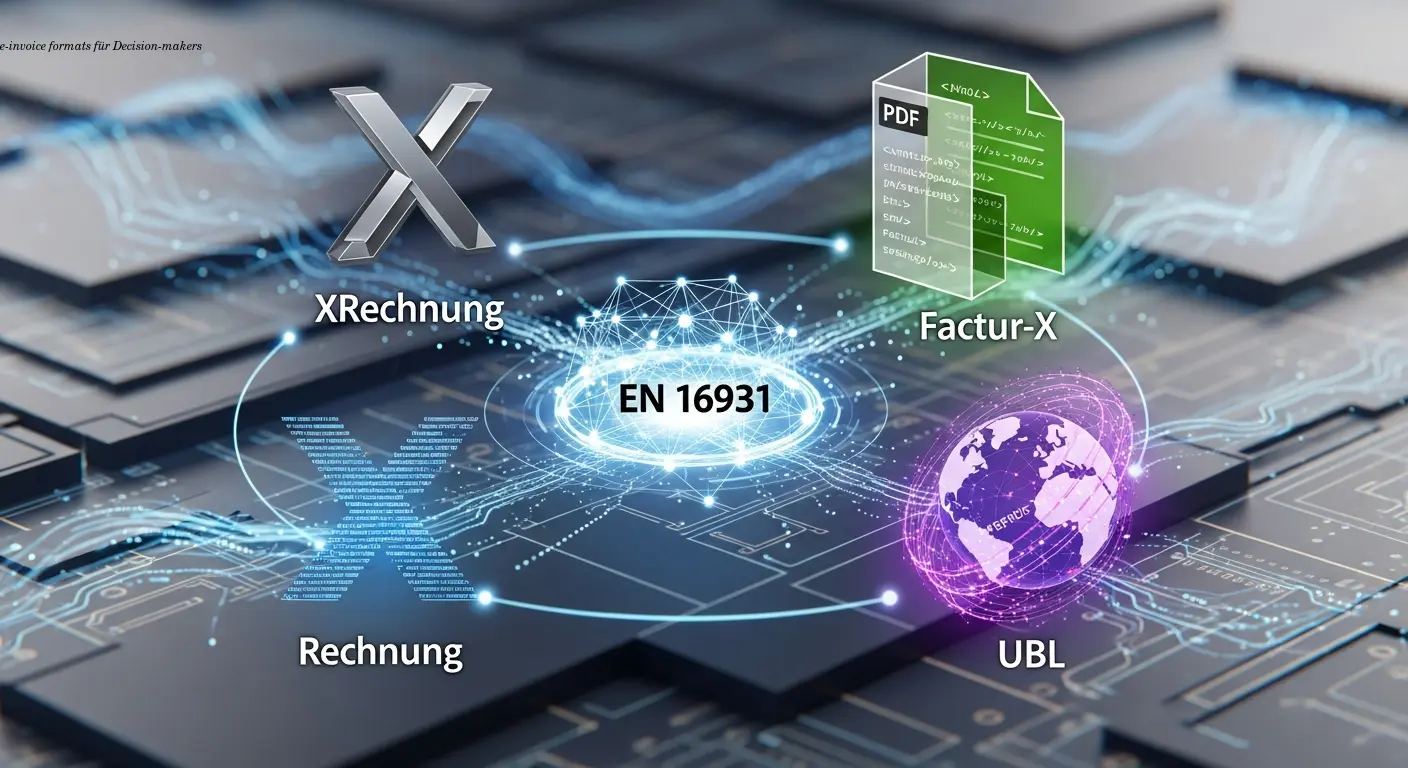
e-invoice formats XRechnung Factur-X UBL Explained
Compare e-invoice formats XRechnung, Factur-X and UBL to choose the best EU-compliant approach. Expert guidance and AI automation to simplify rollout.
About the author

Alexander Lutsyuk · Founder & Operator
Alexander Lutsyuk is the founder of Algoran and runs E-Rechn.de. He has worked for years in automation, digital content and SEO, currently as an on-page SEO adviser at SEO-Küche Internet Marketing GmbH & Co. KG. With E-Rechn.de he combines hands-on automation expertise with the practical demands of the EU e-invoicing mandate: XRechnung, ZUGFeRD, Factur-X and EN 16931. He holds an M.Sc. from Humboldt University of Berlin and is a BVDW-certified specialist.
Education: Humboldt-Universität zu Berlin
BVDW-certified specialist